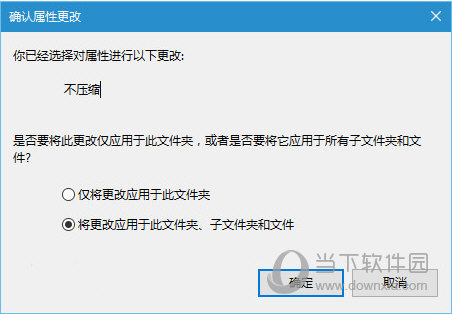
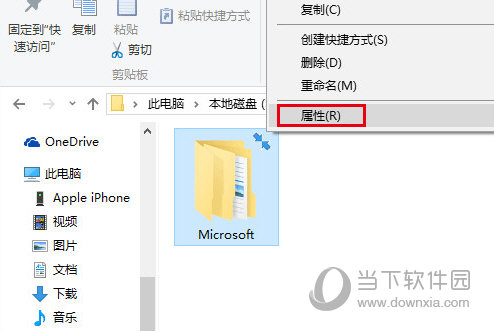
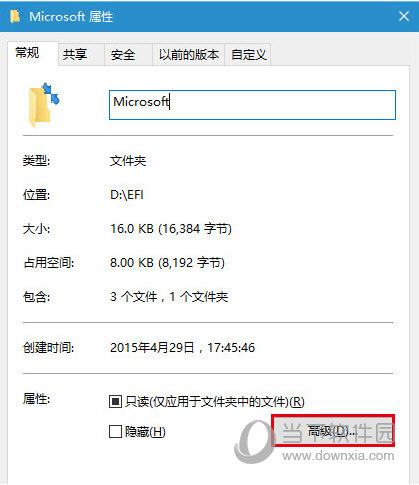
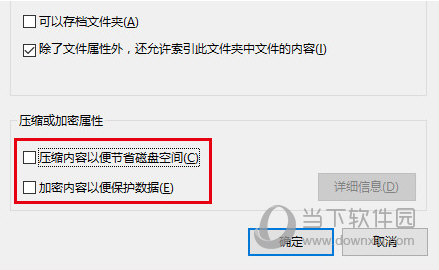
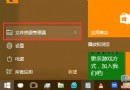
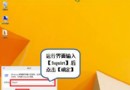
箭頭標誌實為資料夾被設定「壓縮」或「加密」屬性,取消勾選即移除。
壓縮/加密屬性會在圖示右上角顯示箭頭,取消後箭頭消失。
Windows 10 未啟用狀態下的桌面美化:更換背景與主題色同步
Windows 10 禁止開機自動啟動語音辨識:控制台 → 語音辨識 → 進階選項取消勾選
Win10 清除開始選單使用記錄:任務列屬性 → 開始選單 → 取消勾選兩項隱私選項
Windows 10 十大實用新功能深度解析:從原生列印 PDF 到 Cortana 自然語言搜尋
Win10 忘記開機密碼怎麼辦?Microsoft 帳戶/本機帳戶雙軌找回指南
Win10 如何修改電腦名稱 (裝置名稱)?設定介面三步驟完成
Win10 Administrator 帳戶執行 UWP 應用程式註冊表修正教學
Windows 10 擴充 C 槽系統分區空間教學 (Acronis Disk Director 11 Home)