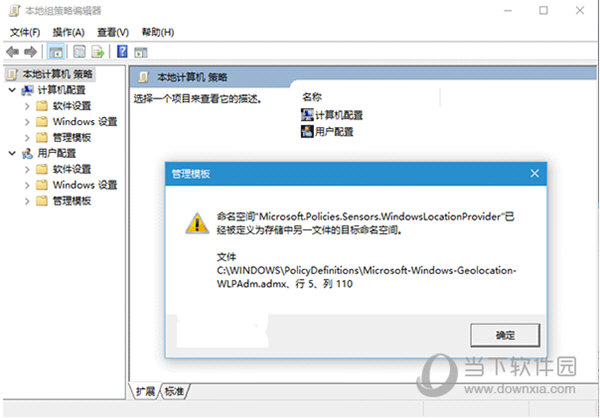
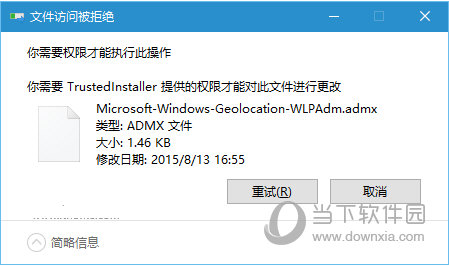
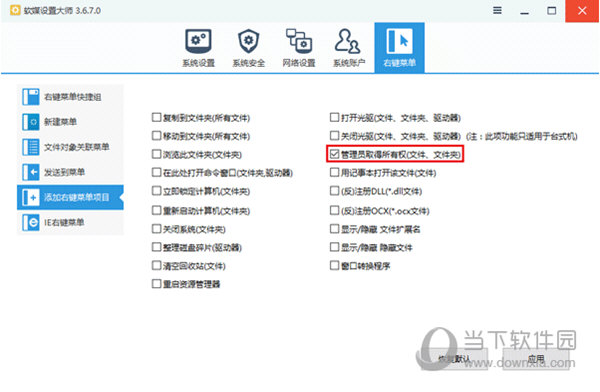
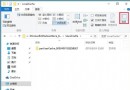
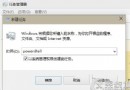
開啟群組原則編輯器時彈出「命名空間已經被定義」錯誤,主因為 Microsoft-Windows-Geolocation-WLPAdm.admx 範本檔案重複或損毀。
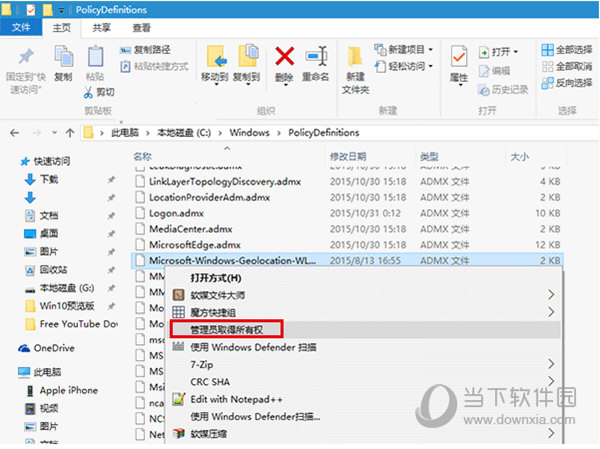
Microsoft-Windows-Geolocation-WLPAdm.admx
C:\Windows\PolicyDefinitions
重新開啟群組原則編輯器,錯誤提示將不再出現。此問題常發生於系統升級後舊版範本檔案殘留導致命名空間衝突。
Win10 正式版無法取得預覽版 (Insider)?降低 UAC 安全等級即可
Win10 週年更新 PC 預覽版 14332 新功能深度解析:Bash、Cortana、續航力提升
Win 10 藍屏錯誤代碼 0x000000C2 完整排查與修復指南
Win10 內建放大鏡啟用教學:設定 → 輕鬆使用 → 放大鏡,支援全螢幕/鏡頭/固定模式
Win10 瀏覽器字體亂碼?開發人員工具定位問題字體並重裝
Win10 如何關閉 Windows Defender 病毒防護提示?兩種情境完整對策
Win10 Edge 瀏覽器滑鼠手勢怎麼開啟/關閉?更多設定→啟用滑鼠手勢自訂動作
Win10 紅石版 Build 14295 更新內容:修復遊戲手柄凍結、大寫鎖定刷新、Xbox App 登入等問題