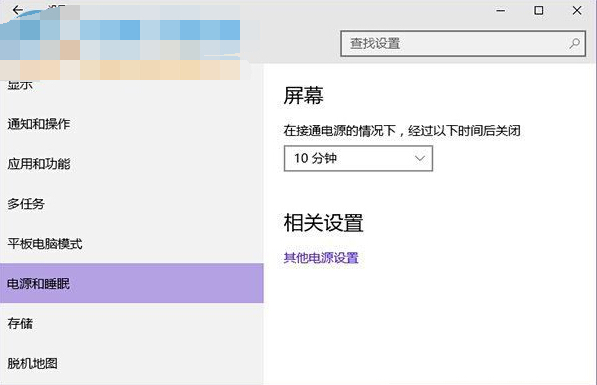
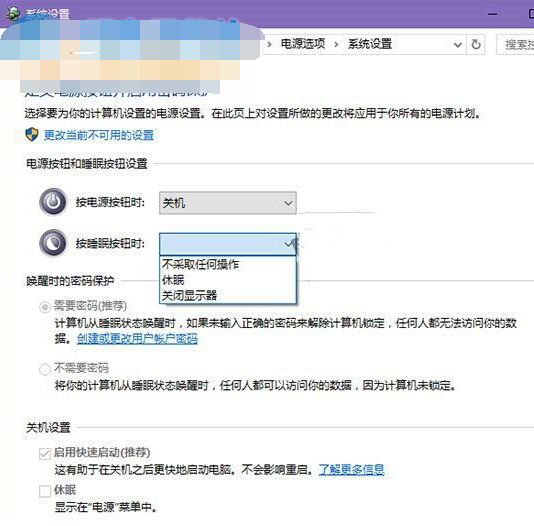
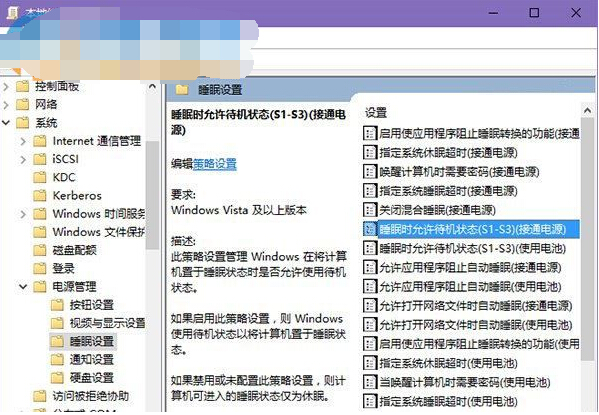
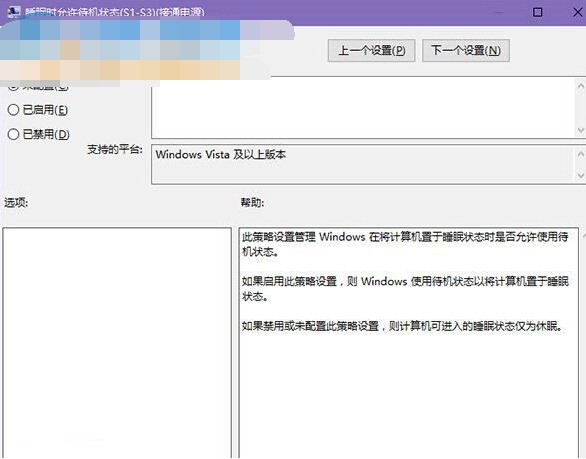
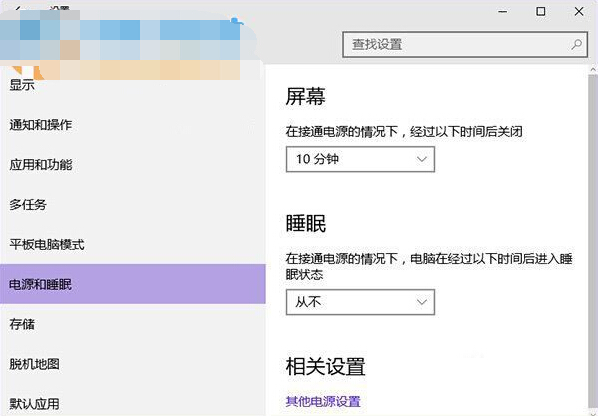
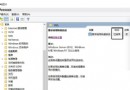
睡眠選項消失非功能移除,而是群組原則誤禁用「睡眠時允許待機」,改回「未設定」即恢復。
gpedit.msc
設定生效後「電源與睡眠」設定頁即重現睡眠選項。
Windows 10 啟用/停用內建 Administrator 帳戶:CMD 指令 net user administrator 切換狀態
Win 10 電腦看 iPhone 7 照片效果差?安裝 DCI-P3 設定檔並啟用 Windows 照片檢視器修復
Windows 10 設定自動登入跳過密碼輸入
Win10 Build 9901 UI 變化圖賞:Cortana 新樣貌、Modern 應用視窗化、設定應用取代控制台
Win10 桌面資料夾如何變透明?隱形圖示+無字命名技巧
Win10 以系統管理員身分開啟命令提示字元 (CMD) 三大法
Windows 10 找回輸入法圖示與語言列的兩種方法
Win10 使用支付寶付款提示「憑證不可用」怎麼解決?群組原則修改 User Agent 模擬 IE8 相容模式