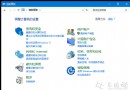
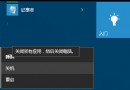
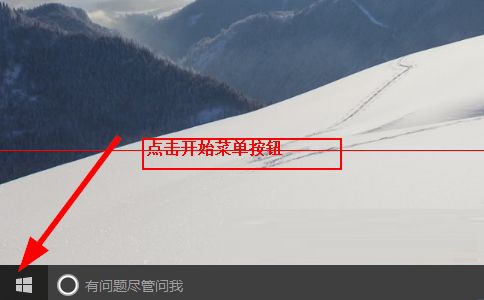
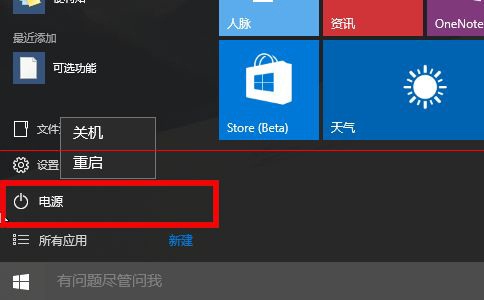
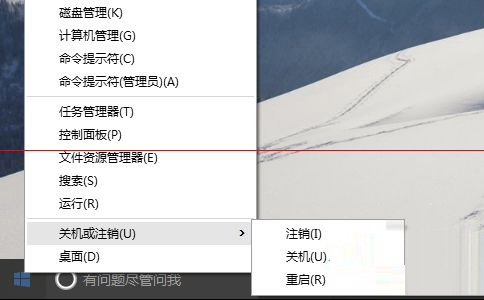
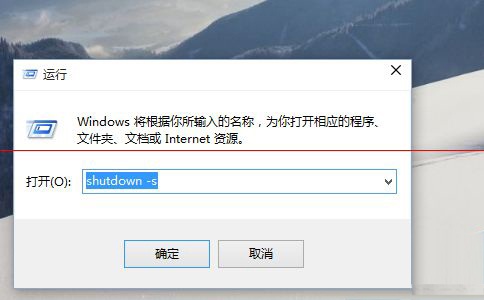
點擊關機/重開機無反應 (疑似 Explorer 掛住),四種替代關機法:
shutdown -s (關機) / shutdown -r (重開機)。若四法皆無效,可能為系統檔案損毀,建議執行 sfc /scannow 或重置/重裝系統。
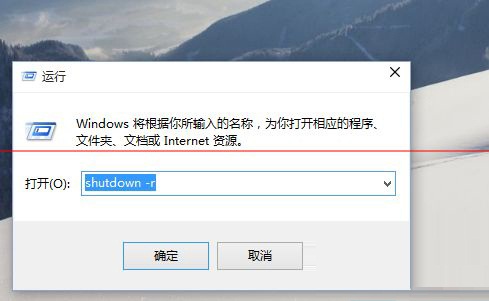
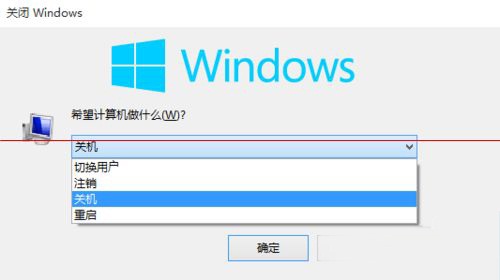
Win10 Build 9879 關閉快速啟動,避免硬碟潛在損壞風險
Windows 10 Mobile 10536 安裝錯誤 0x800705b4 解決辦法:重啟清背景、必要時還原 WP8.1 重升
Win10 桌面便箋在哪?Win+W 快捷鍵喚出,需啟用 UAC 權限
Win10 隨身碟檔案全變捷徑怎麼辦?病毒清除與資料救援指南
Windows 10 預覽版修改註冊表導致無法更新解決法 (恢復 SelfHost 設定)
Win10 鎖畫面喚醒小娜:登錄表啟用 VoiceActivationEnableAboveLockscreen
Win10 7 月底完成正式版,顯示卡支援 DirectX 12 功能等級完整對照表 (Feature Level 12_1/12_0/11_1/11_0)