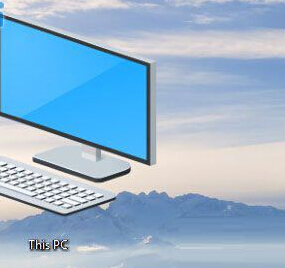
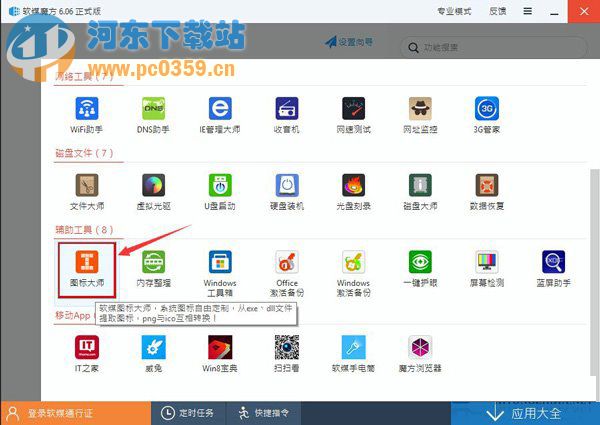
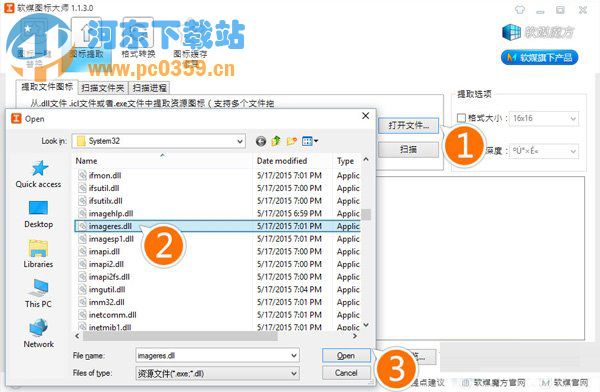
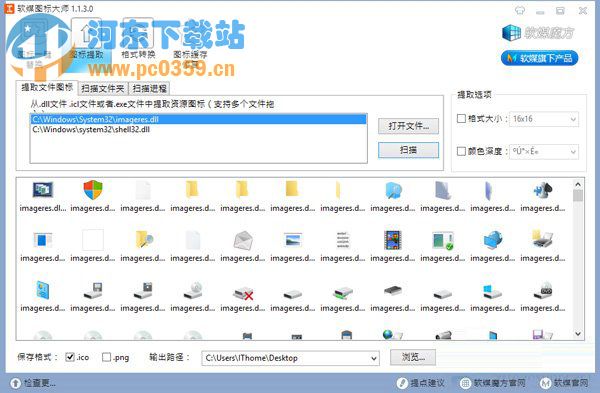
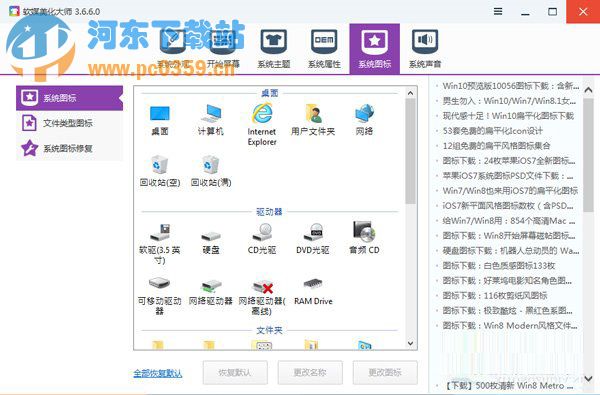
Win10 系統圖示全面更新,欲移植至舊系統可用「軟媒魔方」圖示大師批量擷取。
C:\Windows\System32\imageres.dll
亦提供完整圖示包下載 (含 64 位元 imageres.dll),直接替換更便捷。
Win10 Edge 瀏覽器設定首頁:設定→進階設定開啟首頁開關輸入網址
Win10 系統還原/一鍵還原教學:控制台→復原→系統還原,選擇還原點回溯 (含官方下載連結提醒)
Win10 玩舊遊戲花屏、卡頓怎麼辦?啟用 DirectPlay 相容元件修正畫面異常
Win10 10041 Cortana 小娜「罷工」官方修復:區域/顯示語言/語音語言三項必須一致且支援,點擊無反應重開機
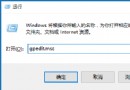
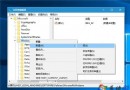
Win10 刪除的檔案如何找回?註冊表修復回收站教學
Win10 使用支付寶付款提示「憑證不可用」怎麼解決?群組原則修改 User Agent 模擬 IE8 相容模式
Win10 調整滑鼠靈敏度教學:個人化設定更改滑鼠指標速度與精確度
Windows 10 修改登錄獲取新版本?官方警告:將導致無法接收正常更新