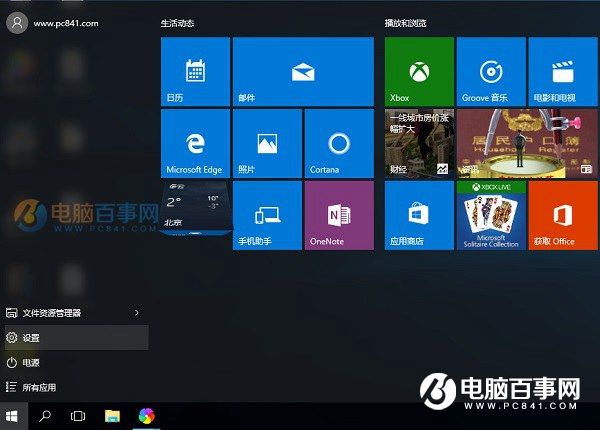
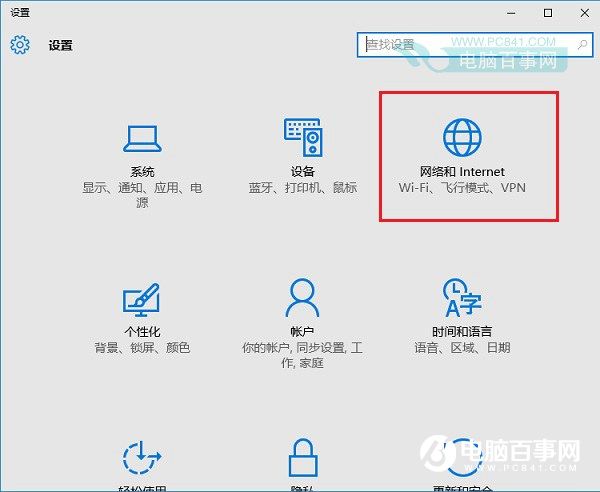
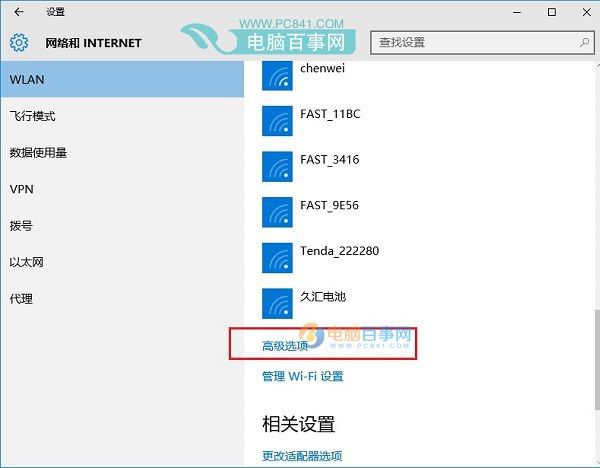
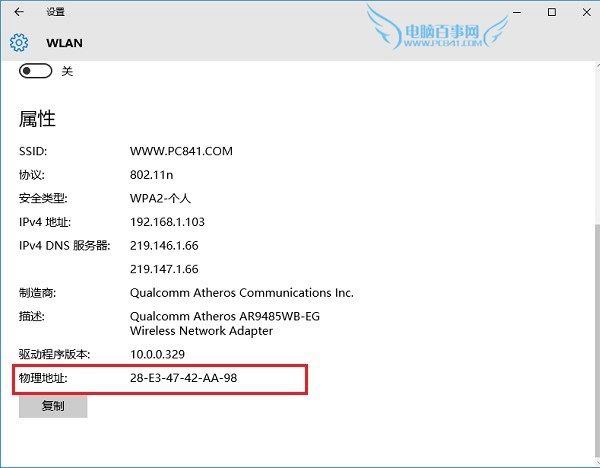
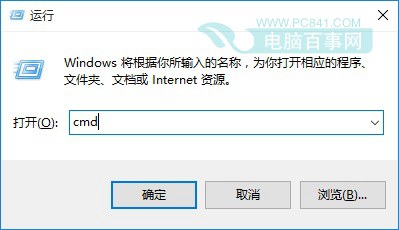
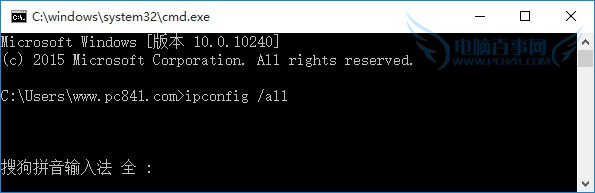
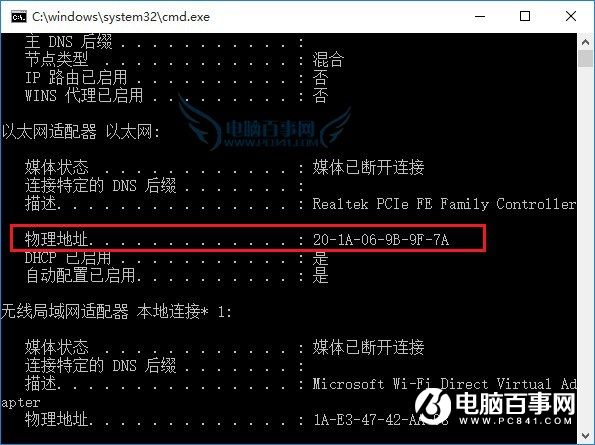
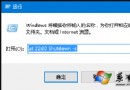
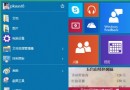
Win10 介面語言切換為英文 (美國/英國) 步驟:
同邏輯可新增任意支援語言。
升級 Windows 10 後第三方瀏覽器無法上網?Winsock 重置與多播協定安裝雙管齊下解決
Win10 筆電合上蓋幕不進入睡眠/休眠設定教學
Win10 關閉系統提示音完整教學:個人化→主題→聲音設定→方案選「無聲音」
Windows 10 如何在桌面建立寬帶撥號連線捷徑?五步驟圖文教學
Win10 標題列顏色還原經典 Aero 玻璃效果:複製修改主題檔教學
Windows 10 快速切換工作的兩種方法:工作檢視按鈕與 Win+Tab
Win10 啟用「隱藏使用者安裝」:群組原則限制他人使用已安裝軟體
Windows 10 如何快速呼叫經典「桌面背景設定」視窗?一行指令搞定