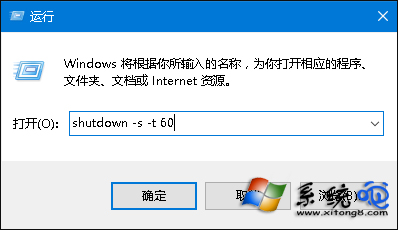
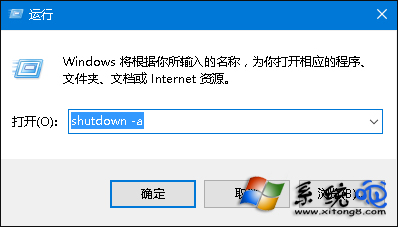
Win10 提供命令列方式設定定時關機,分為「指定時刻關機」與「倒數秒數關機」兩種模式,滿足不同情境需求。所有指令均可用 shutdown -a 取消,且為一次性排程,重開機後失效。
shutdown -a
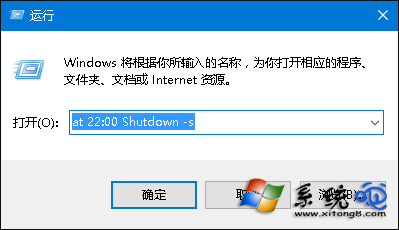
at 22:00 shutdown -s
其中 22:00 為預計關機時間 (24 小時制)。
22:00
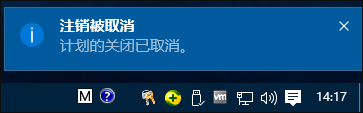
注意:at 指令在部分電腦可能因服務未啟動而失效;shutdown 彈窗提示若系統關閉「互動式服務偵測」可能改為氣泡通知並快速消失,屬正常現象。
Win10 系統如何顯示隱藏檔案?一鍵設定教學
Win10 開機自訂歡迎訊息:群組原則設定互動式登入標題與文字
Win10 切換任務兩大招:工作列按鈕 / Win+Tab 快捷鍵
Win10 32位系統玩 DNF 藍屏代碼大全及針對性修復方案(含 0x0000000A、0x7B、0xED 等十類)
Win10 立即獲取周年更新推送?清理 SoftwareDistribution + wuauclt 命令強制檢查
Win10 Mobile 新功能匯總:設定介面重設計、磚塊透明度可調、支援無線鍵鼠、行動熱點
Win10 開始選單「設定」圖示不見了?個人化設定找回
Win 10 開機啟動項管理完整指南:工作管理器、啟動資料夾、註冊表三大法