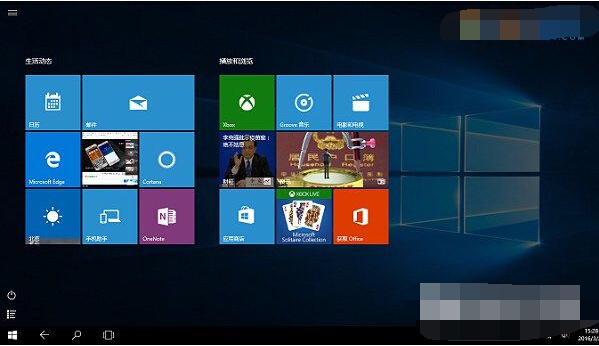
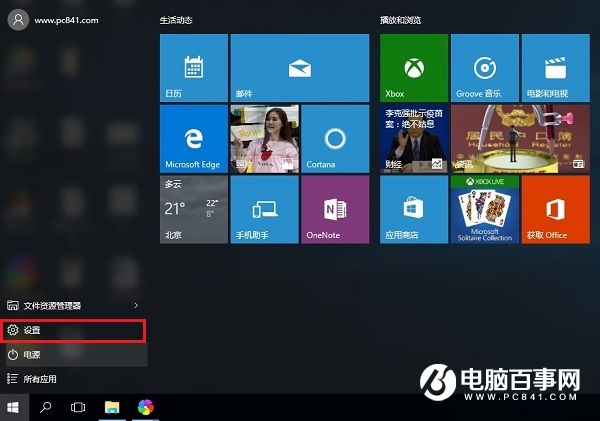
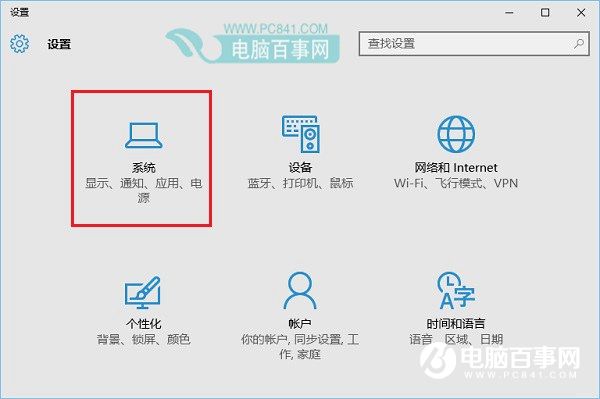
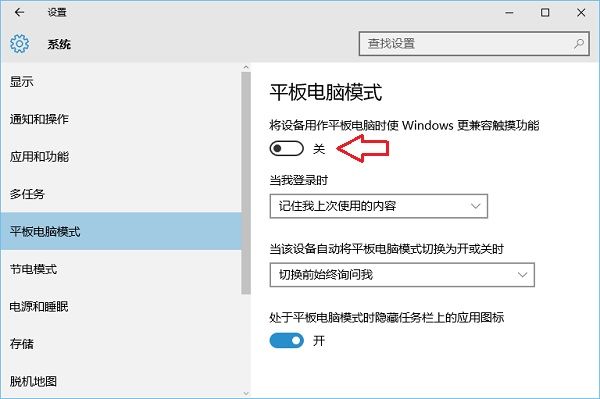
Windows 10 的「平板模式」專為觸控螢幕裝置設計,啟用後介面將自動調整為適合手指操作的佈局,提升二合一筆電與平板電腦的使用體驗。
啟用後,開始選單將變為全螢幕模式,應用程式預設全螢幕執行,工作列圖示間距加大,所有操作邏輯均針對觸控優化,讓觸控螢幕裝置發揮最大效能。
Win10 魯大師無法執行?關閉再開啟相容模式兩步搞定
Win10 開啟隱藏登入介面(圖文教學)
Win10 電源計劃如何備份/還原/重命名/重設?powercfg 指令完整管理
Win10 右鍵選單缺少「新增公文包」?匯入登錄表檔案恢復經典功能
Win 10 RS2 Build 14931 快速預覽版更新內容與已知問題完整彙總
Win10 輸入法無法用 Shift+Ctrl 切換?教你恢復經典快捷鍵
Windows 10 修改時間與時區教學:控制台日期時間設定圖文步驟
Windows 8.1 升級 Windows 10 完整圖文教學