Windows XP Windows 7 Windows 2003 Windows Vista Windows 綜合教學 Linux 系統教學
Windows 10 Windows 8 Windows 2008 Windows NT Windows Server 電腦軟體教學

Windows 跳過更新直接關機指令:shutdown -s -f -t 00 適用 XP 到 Win11

編輯:Windows 10 系統介紹

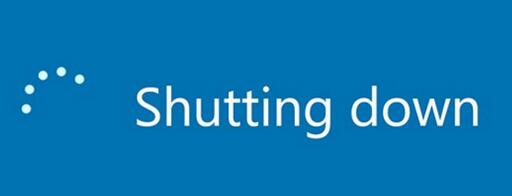
筆電剩 2% 電量需緊急關機、趕搭飛機無法等待更新完成?Windows 內建 shutdown 指令可強制跳過「正在安裝更新,請勿關機」畫面直接關機,全版本通用 (XP/7/8/10/11)。
指令語法與參數說明

shutdown -s -f -t 00
  • -s:關機 (Shutdown)
  • -f:強制關閉應用程式 (Force),不等待程式回應
  • -t 00:倒數 0 秒立即執行 (Time),修改秒數可變定時關機 (如 -t 3600 為 1 小時後)

常用變體

  • 重新開機:shutdown -r -f -t 00
  • 登出:shutdown -l
  • 休眠:shutdown -h
  • 取消已排程關機:shutdown -a

操作方式

  1. 按 Win+R 開啟「執行」視窗,貼上指令按 Enter。
  2. 或在命令提示字元 / PowerShell / Windows Terminal 執行。
  3. 建立捷徑放桌面:右鍵桌面空白處 → 新增 → 捷徑,位置輸入 shutdown -s -f -t 00,命名為「強制關機」,未來雙擊即可秒關機。

注意事項

強制關機會導致未儲存資料遺失,請確認重要檔案已存檔。若系統正在寫入關鍵更新檔案,強制中斷極小機率導致系統損壞,但在電量極低或緊急情況下屬必要風險。

Copyright © Windows教程網 All Rights Reserved