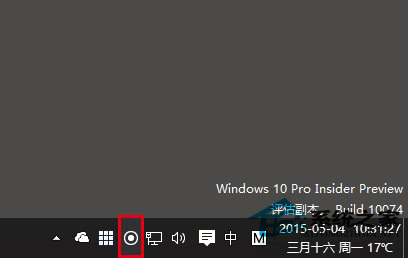
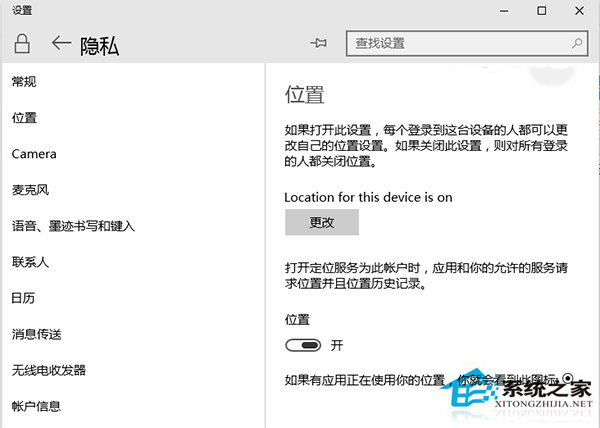
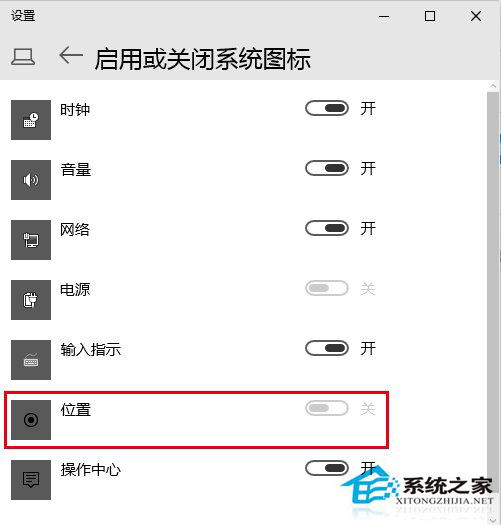
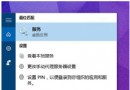
Win10 工作列右下角會出現「位置圖示」 (圓形箭頭),代表有 App 正在使用定位服務:
若未授權 App 卻出現位置圖示,請立即檢查並封鎖可疑 App 定位權限,保護隱私。
Win10 開機慢、黑屏久?關閉「快速啟動」並更新顯卡驅動解決
Win10 Firefox 瀏覽器清除快取完整教學:透過 about:cache 定位刪除
Win10 桌面提示「按一下這裡輸入您最新的認證」解決方案
Windows 10 多螢幕顯示設定完整指南:Win+P 快捷鍵與顯示卡控制台雙管齊下
Windows 10 64 位元實測安裝 Office 2003 成功:32 位元相容性良好、桌面捷徑需手動建立
Win10 看顯卡配置極速版:dxdiag 一指令搞定
Windows 10 如何移除內建應用程式?PowerShell 指令完整教學(含套件全名查詢技巧)
Win10 資料夾圖示怎麼改?右鍵內容→更改圖示 3 秒完成