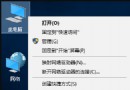
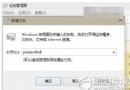
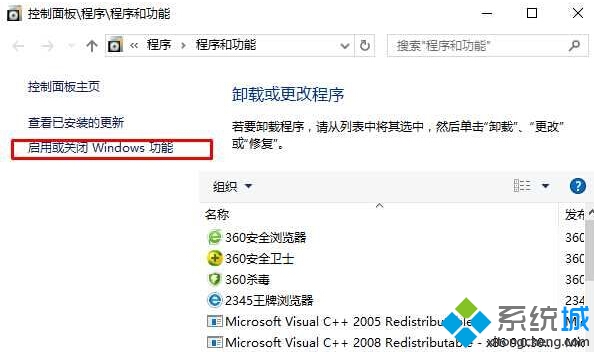
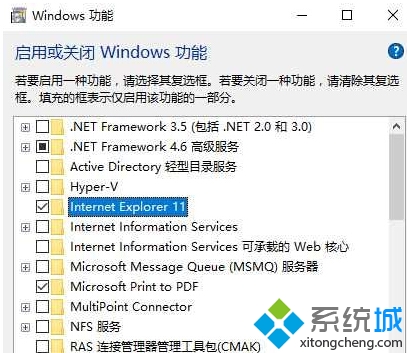
Windows 10「開啟或關閉 Windows 功能」中勾選 Internet Explorer 11 無法安裝、報錯或卡住,需先以指令強制移除殘留元件再重新安裝。
FORFILES /P %WINDIR%\servicing\Packages /M Microsoft-Windows-InternetExplorer-*11.*.mum /c "cmd /c echo Uninstalling package @fname && start /w pkgmgr /up:@fname /norestart"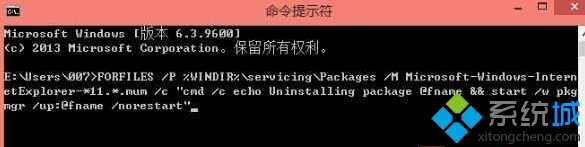
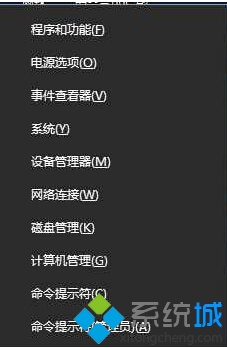
FORFILES:遍歷 %WINDIR%\servicing\Packages 目錄/M Microsoft-Windows-InternetExplorer-*11.*.mum:比對 IE11 相關 .mum 套件資訊清單檔pkgmgr /up:@fname /norestart:使用套件管理器移除對應套件,不自動重開機注意:此操作需系統管理員權限。Windows 10 家庭版同樣適用。若指令執行後仍無法安裝,建議執行 sfc /scannow 與 DISM /Online /Cleanup-Image /RestoreHealth 修復系統映像後再試。