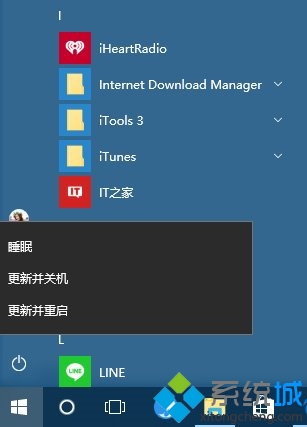
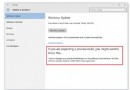
Windows 10 RS2 Build 14905 存在已知 Bug:點擊開始選單電源鈕不會彈出關機/重開機/睡眠選單,而是直接關閉開始選單。微軟已確認並修復,下版本恢復正常。
臨時替代方案
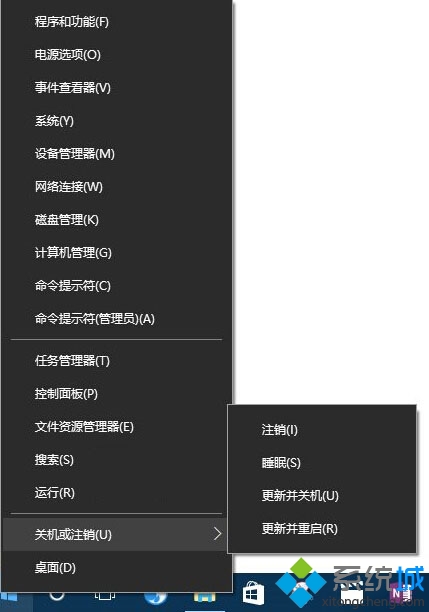
- Win+X 快速選單:按 Win+X 或開始按鈕右鍵 → 「關機或登出」→ 選擇「關機」/「重新開機」/「登出」。
- 實體電源鍵:短按機殼電源鍵 (依 BIOS 設定為睡眠/關機) 或長按強制關機 (不建議常用)。
- Alt+F4:桌面按 Alt+F4 → 關閉 Windows 對話框 → 選擇關機。
此 Bug 僅影響 Build 14905,不影響其他系統功能。Insider 使用者建議等待下一版推送 (預估 1-2 天)。