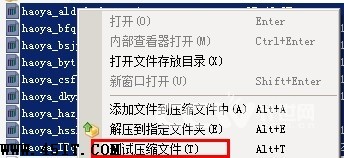
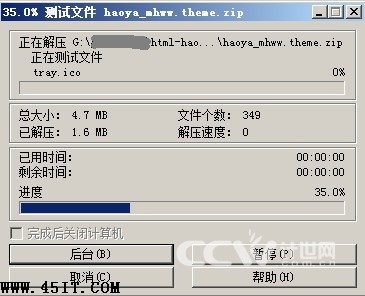
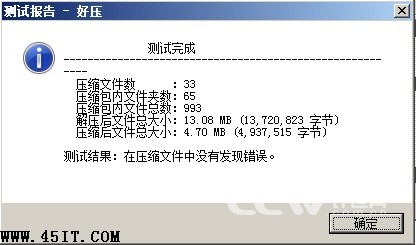
傳統做法:解壓→安裝測試→刪除臨時檔,極繁瑣。好壓內建「測試壓縮檔」功能一鍵搞定:
操作簡便,使用者對驗證過程擁有完全控制權,調試壓縮包內程式的最佳選擇。
WinRAR 加密壓縮教學:設定密碼保護隱私、偽裝成圖片檔案雙重加密技巧
RivaTuner 進階使用指南:硬體層超頻、風扇曲線、顯示器刷新率鎖定
拼音加加三大實用技巧:自定詞庫、重碼數調整、備份還原一鍵搞定
EmEditor:完美替代記事本的輕量級程式碼編輯器,2MB 體積藏大智慧
搜狗手機輸入法使用技巧 FAQ:安裝相容、證書權限、符號表主題、詞庫管理、簡拼輸入、自定義鍵盤映射
AI文件用什麼軟件打開?Adobe Illustrator矢量圖形格式詳解
不會拼音也能打字:智能 ABC 筆畫輸入法應急指南
智能 ABC 筆畫輸入法:不會拼音也能輸入生僻字,系統內建零安裝