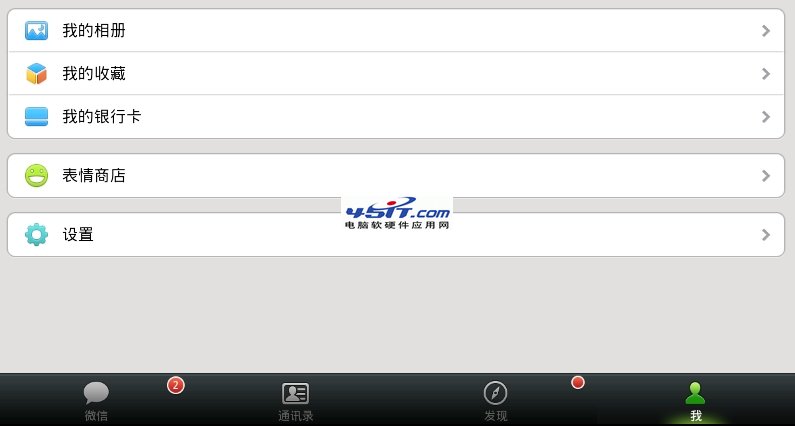
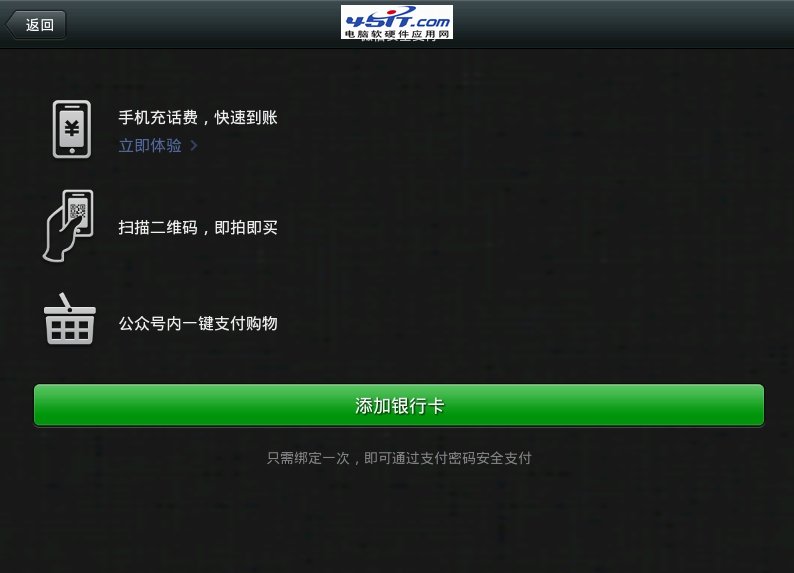
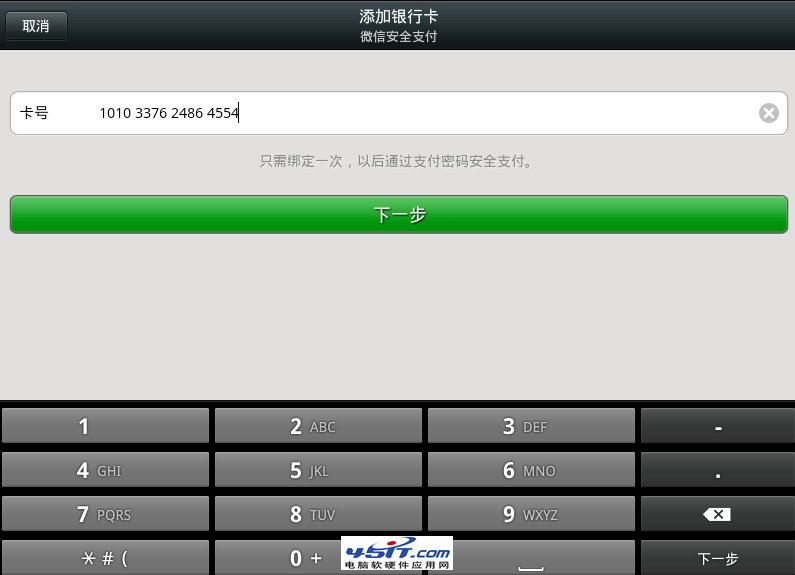
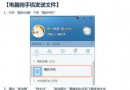
微信 5.0.2 新增「我的銀行卡」功能,綁定極簡單:
綁定後可直接用於微信支付、紅包、轉帳等場景。
IE「檢視原始碼」跳轉桌面?一鍵修復指向記事本
12306 忘記帳號密碼怎麼辦?找回流程圖文詳解
微信帳號保護機制完整教學:綁定手機、緊急凍結與解凍
IE「離線工作」是什麼?怎麼取消?ADSL 斷線常見誤觸
eMule 電驢完整實戰教學:從安裝設定到下載分享,開源 P2P 王者上手指南
微信密碼忘記怎麼辦?手機/郵箱/QQ 三大註冊類型分類找回全流程
Chrome 提示「xl_chrome_plugin 需要您的許可才能運行」?一鍵永久允許解決
IE 瀏覽器假死卡頓完整解決方案:從掃毒到修改註冊表