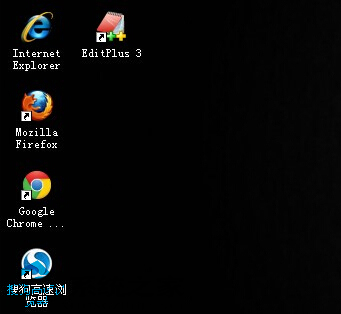
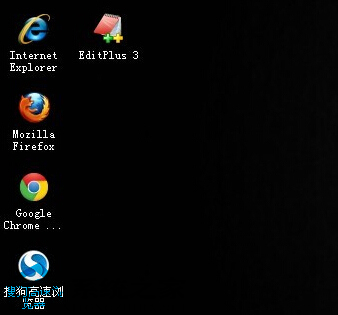
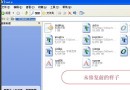
桌面捷徑左下角白色小箭頭影響美觀,三種移除方法:
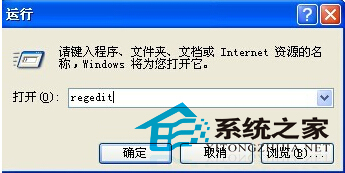
regedit
HKEY_CLASSES_ROOT\lnkfile
IsShortcut
HKEY_CLASSES_ROOT\piffile
explorer.exe
「My Computer」→「Shortcut」→ 取消勾選「Show shortcut overlay」。
一鍵移除/恢復,適合不想動登錄表的用戶。
登錄表法最徹底無殘留,但修改前建議匯出備份對應分支,以便日後恢復。
WinXP「說明與支援」無法開啟?一鍵啟用服務恢復功能
Windows 縮略圖功能消失?註冊 thumbvw.dll 與刪除圖示快取恢復
WinXP 華碩筆電攝影鏡頭畫面倒置?官網驅動精準修復指南
XP 程式在 Windows 7 執行不了?四大相容性解決方案:相容模式、升級替代、雙系統、XP Mode 虛擬機
WinXP 遇到 .cfg 檔案怎麼開?記事本一秒查看設定檔內容
WinXP 螢幕畫面變小/解析度錯誤怎麼調回來?顯示屬性調整完整教學
從光碟安裝 Windows XP 完整圖文教學:三階段 22 步驟零失誤
系統圖示替換實戰:PNG 轉 ICO + IconPackager 一鍵套用