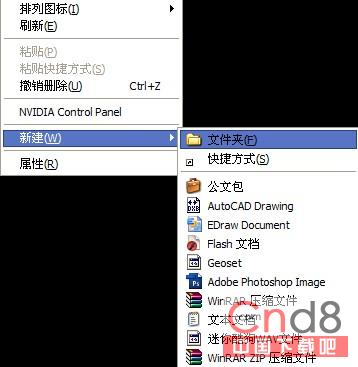
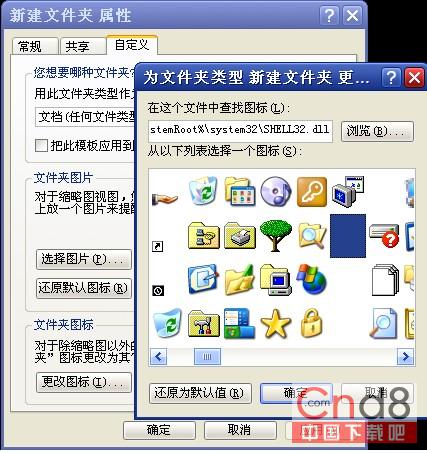
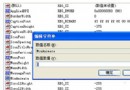
非右鍵屬性隱藏、非 DOS 指令,利用 XP 介面特性建立「肉眼看不見」的資料夾:
圖示立即隱形,但資料夾仍存在。下集將揭曉隱藏檔名的 Unicode 控制字元技巧。
軟體衝突導致當機怎麼辦?菜鳥防軟體當機五大習慣:少裝、常清、少開、避衝突、慎用優化
Windows XP 登入畫面客製化七大技巧:背景、色彩、警告訊息與右鍵選單全攻略
Windows 7 200MB 隱藏系統保留分區深度解析:功能、風險與保護建議
Windows XP 任務管理器進階技巧全解析
開機報錯 NTLDR is missing 三步驟搶救:清記憶體、拷貝系統檔、修分區表
ylmf OS (優麥麥林) 如何安裝 JDK?兩條指令搞定
電腦無法開機?新手必學兩招設定光碟/USB啟動順序(上)
Vista IE7 重新導向「我的最愛」資料夾至自訂位置