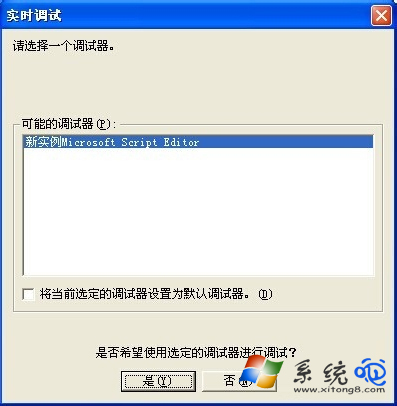
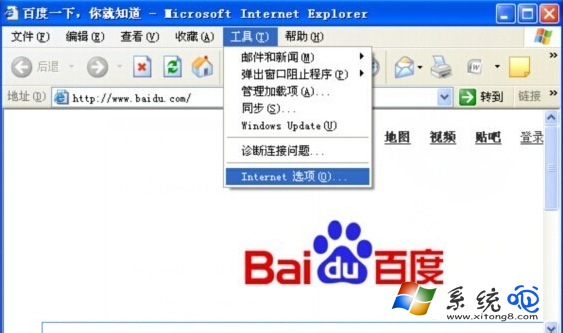
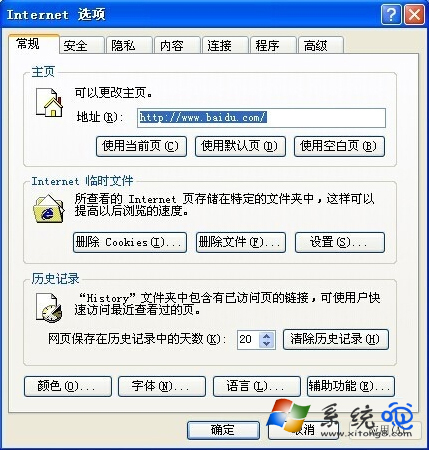
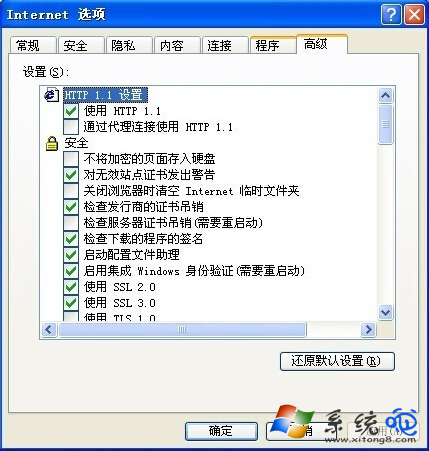
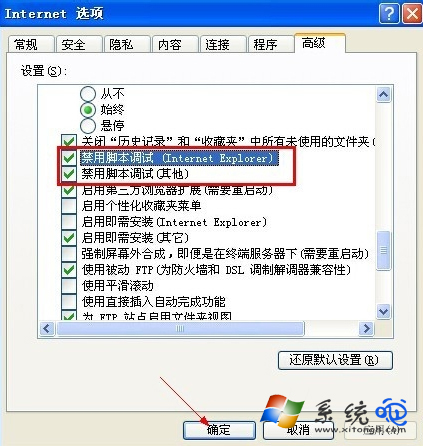
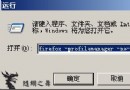
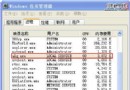
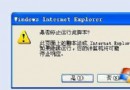
XP 使用瀏覽器或程式時頻繁彈出「即時偵錯器」,在 IE 設定中停用指令碼偵錯即可徹底解決。
此設定影響 IE 與使用 IE 核心元件的程式,適用於不需進行網頁開發偵錯的一般使用者。
Windows XP SP2 修復 Internet Explorer:一鍵重新註冊所有 DLL 指令
Windows XP 桌面圖示陰影移除完整指南
九招讓 Windows XP 系統如策馬奔騰:從開機到運行全方位加速
一招把網頁背景變「蘋果綠」:護眼又舒壓的 Windows 設定術
Win7 群組原則編輯器 gpedit.msc 打不開?修改登錄 InProcServer32 恢復功能
電腦掃盲:軟體版本 MSDN、OEM、RTM 到底什麼意思?
WinXP 常見系統服務深度解析(七):Network-R 類服務詳細說明與設定建議(重複內容已整合)
Windows XP 12 招實戰提速技巧大公開