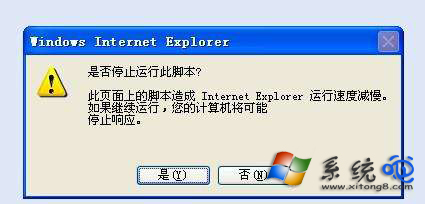
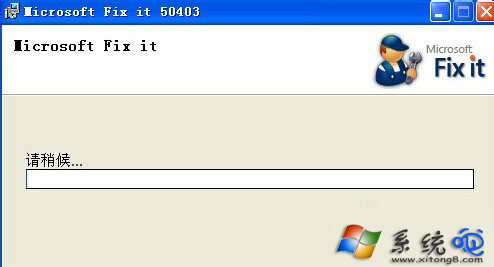
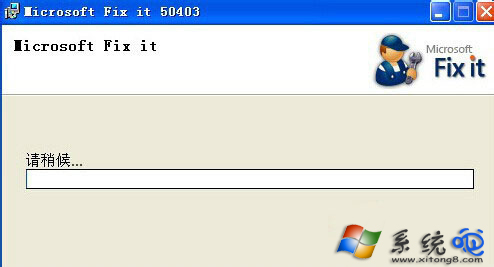
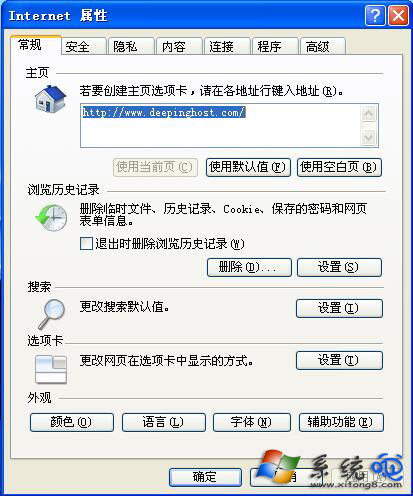
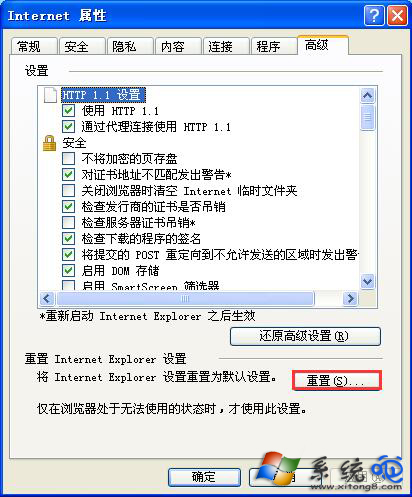
XP 系統 IE 瀏覽器頻繁彈出「此頁面上的指令碼導致 Internet Explorer 執行速度變慢,是否停止執行?」提示,可透過 Microsoft 官方修復工具或手動重設 IE 設定解決。
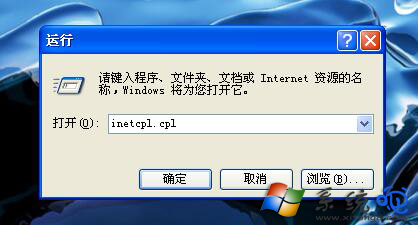
inetcpl.cpl
重設完成後重新開啟 IE,指令碼錯誤提示通常不會再出現。
Windows XP 調整「開始」功能表圖示大小的技巧
雙帳號策略讓 Windows 系統長期無毒(下)
XP 系統如何加快開關機速度?登錄表調整等待逾時參數教學
Windows XP 實用優化技巧(下):關閉效能計數器、阻擋隱私連線、驅動程式回復、強制執行空閒任務
Windows XP 無法開機?兩大修復啟動故障的實戰教學
CMOS Menu 綠色小工具:備份、還原、關閉軟碟機、清除密碼一鍵搞定
XP 系統檔案損壞怎麼辦?安裝光碟 + Expand/Extract 指令完美救援
自製 USB 系統完整指南 (1/4):前言與架構導覽