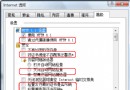
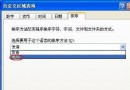
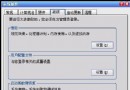
網頁木馬靠瀏覽器腳本執行惡意碼入侵。禁用 ActiveX 控件與外掛腳本即可令木馬無從入侵。
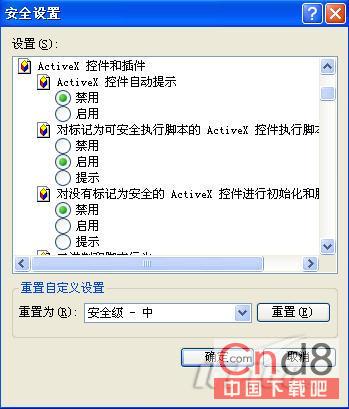
regedit,展開至 HKEY_LOCAL_MACHINE\SOFTWARE\Microsoft\Internet Explorer\ActiveX Compatibility。{6E449683_c509_11CF_Aafa_00AA00B6015C}。Compatibility (REG_DWORD),值 0x00000400。硬盘分区如何分出Windows下显示整数GB容量?公式:(X-1)×4+1024×X=Y(M)
關閉 XP 十大安全隱患服務(下):統一關閉操作、相依關係檢查、原則:不用即關
為磁碟機/資料夾加上炫酷背景圖片:Desktop.ini 實作教學
Svchost.exe 進程深度解析:從服務宿主到木馬偽裝識別
利用 Windows XP 內建 Shutdown 命令實現區域網路統一關機
Ghost 備份 XP 系統找不到 .GHO 檔?NTFS 相容性問題,chkdsk /f 找回遺失檔案