Windows Update 頻繁彈窗催促重啟、甚至倒數計時強制重啟,嚴重干擾工作流程。透過修改登錄檔即可永久關閉「已登入使用者不自動重啟」提醒,XP 與 Vista 通用。
開啟 regedit,導航至:
HKEY_LOCAL_MACHINE\SOFTWARE\Policies\Microsoft\Windows\WindowsUpdate\AU
右側新建 32 位元 DWORD 值,名稱 NoAutoRebootWithLoggedOnUsers,數值設為 1。若需恢復提醒,刪除該值即可。
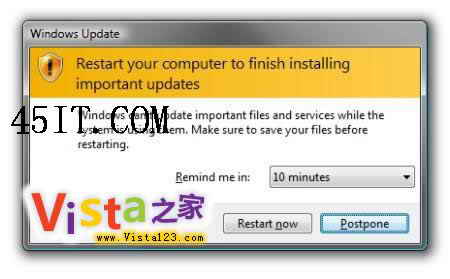
提醒:關閉自動重啟後,請養成定期手動重啟安裝更新的習慣,確保系統安全。