WSUS 3.0 支援伺服器端與管理主控台分離部署,本文記錄從下載到安裝的完整流程。
WSUS3Setupx86.exe(簡體中文版)。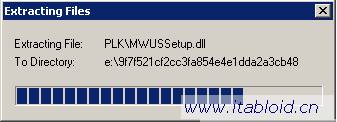
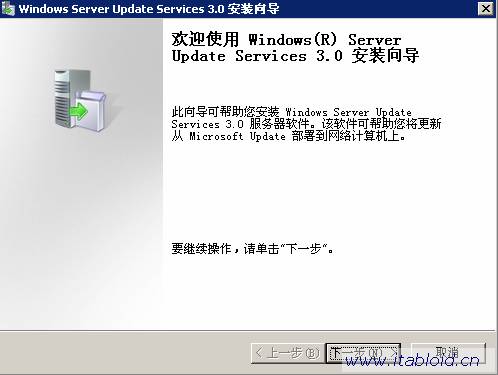
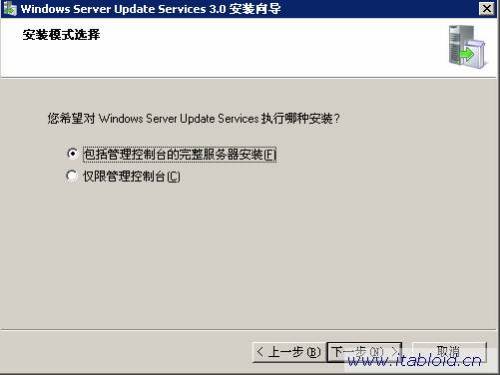
後續將涵蓋資料庫選擇、網站配置、同步設定等進階配置。
Windows Server 2008 AD LDS 輕型目錄服務深度解析
Windows Remote Management (WinRM) 快速部署指南:Server Core 單開 80/443 埠即可遠端管理
使用圖形化工具遠端管理 Server Core 使用者與群組:MMC 嵌入式管理單元連線指南
解決 Windows Server 2008 DNS 服務「無法建立執行緒」錯誤:CPU 核心數超過限制導致 RPC 服務不可用
Windows Server 2008 IE 設定 Proxy 伺服器完整步驟:區域網路設定、進階例外、驗證
Windows Server 2008 安裝 SharePoint 2007 完整圖文教程
Windows Server 2008 使用 Diskpart 命令列管理磁碟(列出、選取、建立分區、RAID、指令碼自動化)