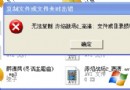
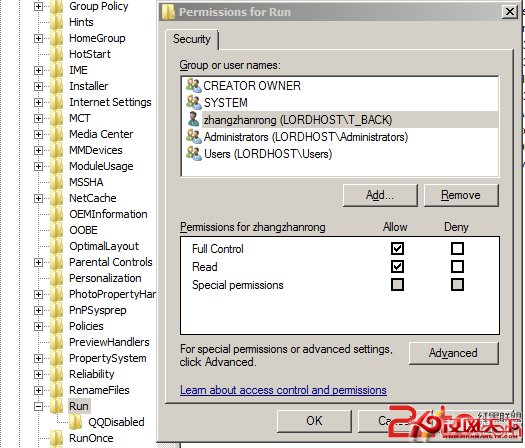
Windows.old 是升級/自訂安裝未格式化時保留的舊系統檔案,確認新系統穩定後可刪除回收空間。
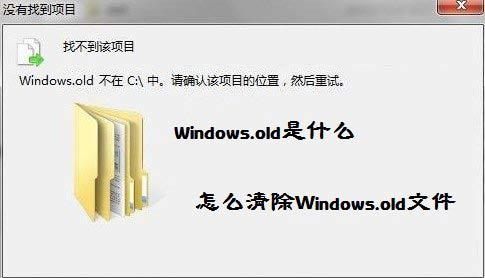
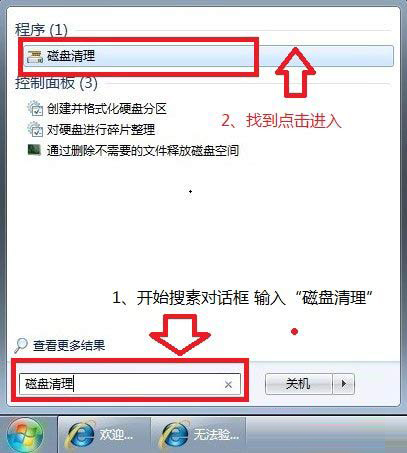
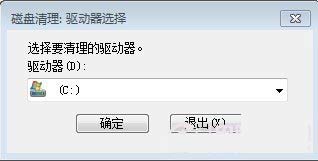
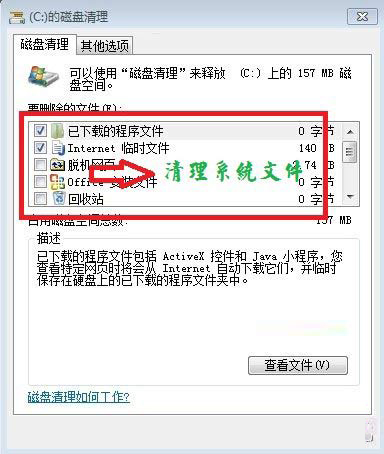
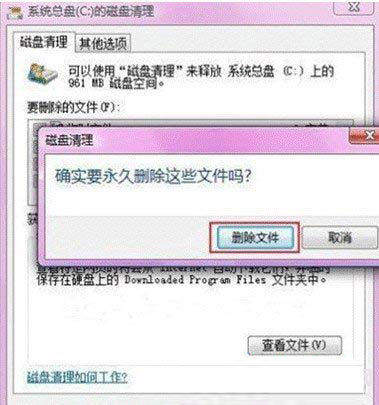
搜尋 Windows.old 確認是否存在,不存在則無需操作。
硬體 VNC 解決 Windows 伺服器故障三大實戰案例:高 CPU、網路洪水、藍屏死機
USB隨身碟讀取速度忽快忽慢不穩定?格式化損壞壽命、介面版本、背景程式三因素優化
不想掃碼怎麼登入微信電腦版?用 Android 模擬器輸入帳密即可
遠端桌面連線數達上限無法登入?mstsc /console 強制踢人與組態原則限制閒置斷線
批次檔與 VBScript 執行 DOS 指令:自動化腳本撰寫入門
盜版 Windows XP 黑畫面強制驗證機制與繞過方案(含批次檔腳本)
輸入法圖示玩躲貓貓?三步找回:工具列啟用語言列、文字服務關閉高階服務、語言列顯示設定
損壞軟碟/隨身碟資料搶救四大法:安全模式複製、複製軟碟功能、DEBUG 磁區編輯、ScanDisk/壞軌工具/壓縮檔修復