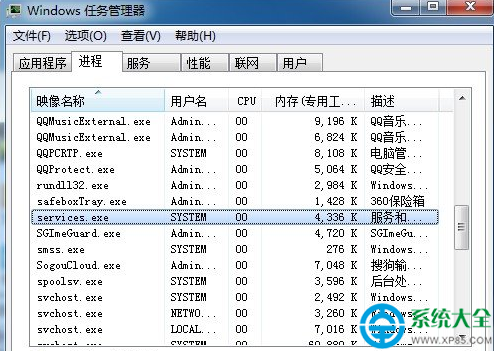
插入 U盤後電腦劇卡,任務管理器顯示 services.exe 佔用 CPU 100% 且無法結束。真正的 services.exe 是系統服務管理進程,位於 C:\Windows\System32;若在其他路徑或佔用異常,大概率為 W32.Randex.R / Sober.P 類木馬 偽裝。需手動清除病毒體、註冊表自啟項。
services.exe 進程。C:\Windows\System32(或 Winnt\System32),刪除偽裝的 services.exe(正版系統文件不可刪,需確認路徑與數字簽名)。regedit → 定位:HKEY_LOCAL_MACHINE\Software\Microsoft\Windows\CurrentVersion\Runservice = %Windir%\services.exe -serv(或類似異常啟動項)。
建議: 完成手動清除後,務必使用主流殺毒軟體(Windows Defender、火綠、360 等)全盤掃描,清理殘留惡意代碼與後門。