Windows 10 解除安裝 Modern (UWP) 應用後,開始選單/工作列殘留圖示不會立即消失。需觸發系統重新整理快取才能清除。
登出目前使用者或重新開機,系統重建開始選單快取,殘留圖示自動消失。
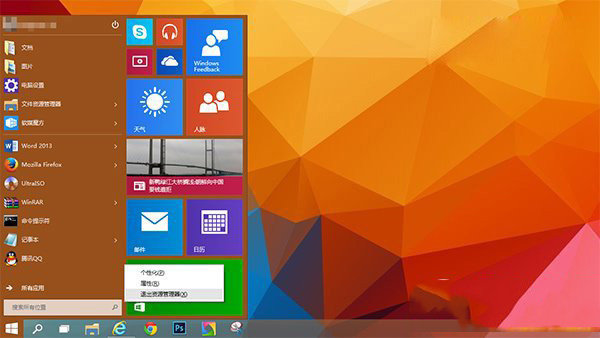
explorer.exe → 勾選「以系統管理員權限建立此工作」 → 「確定」。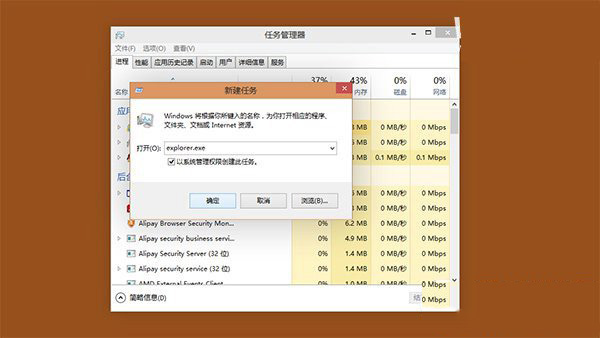
兩種方法任選一皆可,方法二適合不想關閉其他工作視窗的情況。
Win10 Mobile 10581 預覽版初體驗:流暢度大幅提升,但 SD 卡應用遷移仍有 Bug
Win7/Win8.1 升級安裝 Win10 後,開始選單預設僅單欄磚貼
DiskGenius 檔案救援全攻略:誤刪、格式化、RAW 分區資料完整復原
Win10 全螢幕截圖快捷存桌面:登錄檔修改 ScreenshotIndex=1 重開機生效
升級 Win10 正式版後裝置續航不佳怎麼辦?微軟將優化電源管理與 Edge 擴充功能
Win10 如何開啟 IE 暫存資料夾?三種方法快速找到下載檔案教學