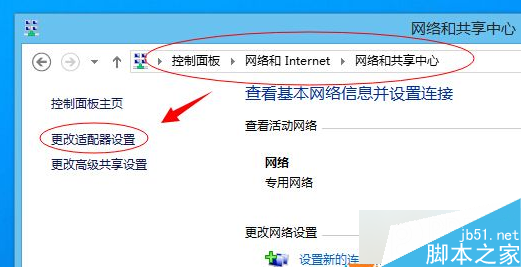
修改 C:\Windows\System32\drivers\etc\hosts 檔案時,Win8 內建 Windows Defender 會攔截拒絕寫入。將 hosts 檔案加入 Defender「排除的檔案和位置」即可繞過攔截。
C:\Windows\System32\drivers\etc\hosts → 「新增」。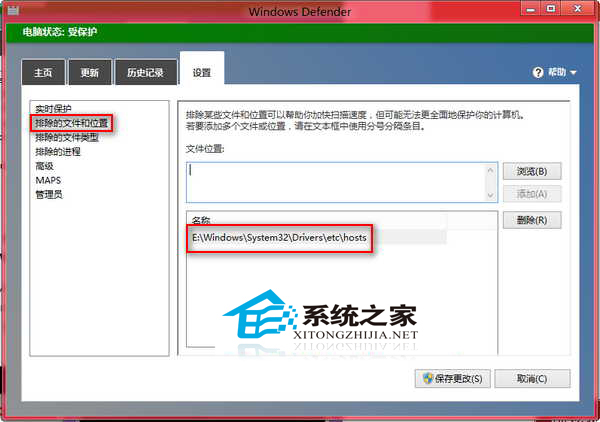
設定完成後,即可自由編輯 hosts 檔案 (如封鎖廣告域名、加速域名解析、測試本地網站) 而不被 Defender 攔截。hosts 檔案權限高於 DNS,常被用於屏蔽惡意/廣告網站 (將域名指向 127.0.0.1 或 0.0.0.0)。