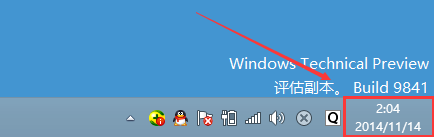
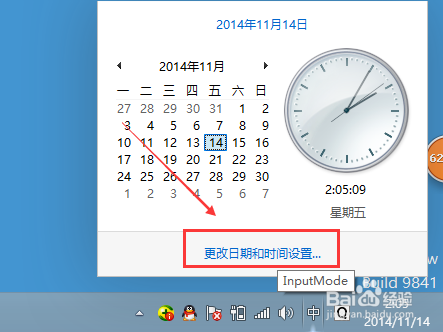
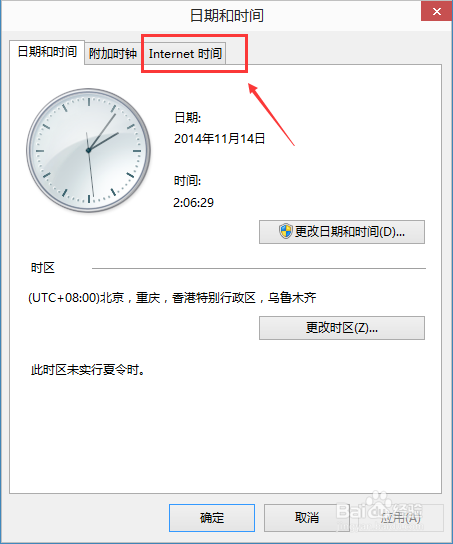
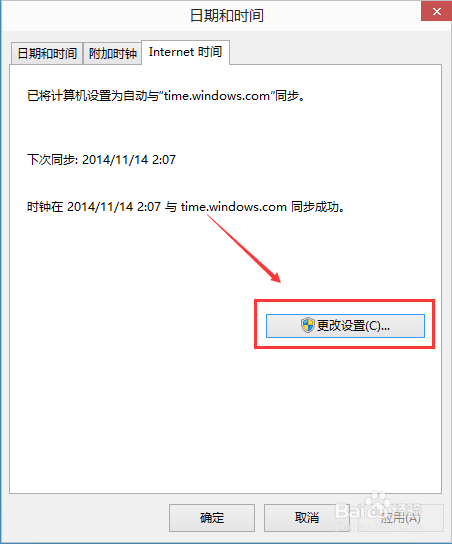
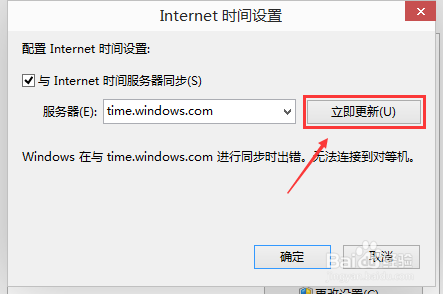
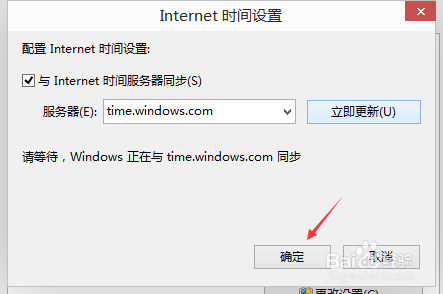
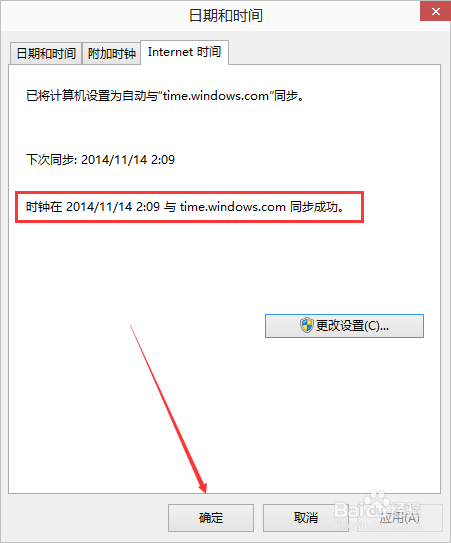
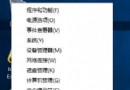
Win10 系統時間偏差可透過網路時間同步校準。
同步成功後系統將定期自動校準。
Win10 10122 Edge 瀏覽器崩潰(AMD 顯卡)官方修復:更新顯卡驅動即可
Win10 正式版後首個 Build 更新即將推送?TH2 分支內測在即
關閉 Win10 推送服務兩種解決方法(以金山毒霸/360 為例)
Windows 8 徹底關閉 Metro 介面:移除所有現代應用套件
解決操作共享資料夾出現 Windows 安全性警告:將網路位址加入區域設定
Windows 7 其實不需要多分區:善用「程式庫」集中管理跨磁碟檔案
安裝 Win7 旗艦版後提示「can not open image file」故障原因與解決方法
Windows 8.1 Modern 應用喚出工作列:Win+T 熱鍵與滑鼠底部懸停雙模式