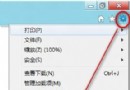
IE 瀏覽網頁時會在系統盤建立快取,檔案累積會拖慢系統。將快取移至非系統盤,方便定期清理,能改善效能。
操作步驟:
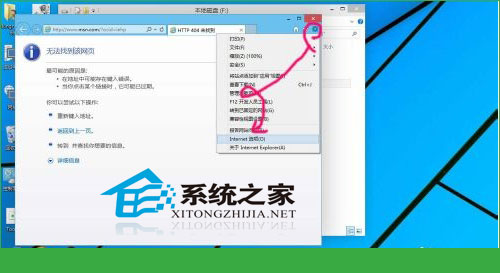
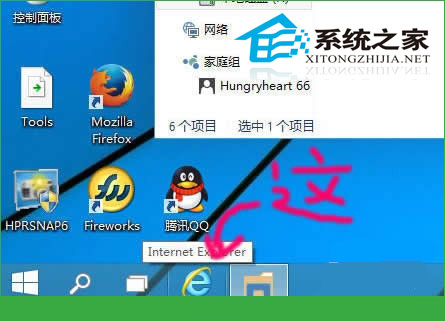
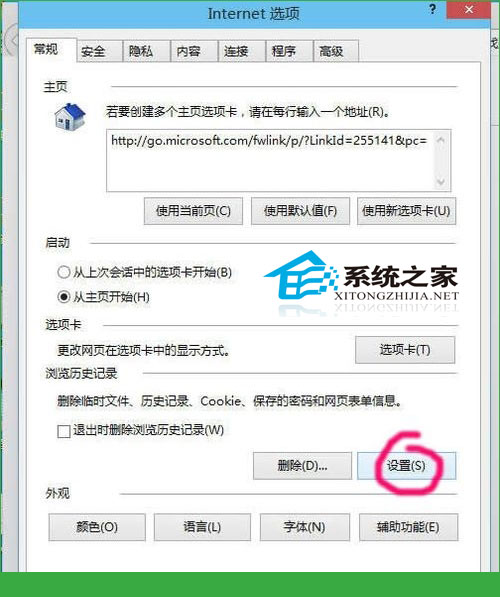
定期清理新位置的快取檔案,可保持系統輕量化。
Win10 找回「Windows 體驗指數」評分:shell:Games 呼叫舊版遊戲 + winsat formal 重跑分
Win 10 執行 Qt 程式提示「找不到 mingwm10.dll」?兩種解法:複製 DLL 或加入環境變數
Win7 插入 USB 隨身碟藍畫面?六大原因與對策(磁碟錯誤、驅動、病毒、USB 短路、隨身碟損壞、開機隨身碟)
解決安裝 Windows 7 SP1 錯誤 0x800F0A12:啟用磁碟自動掛載
Win7 滑鼠屬性打不開?重新安裝驅動、新建帳號、安全模式、重裝系統四步驟排查
升級 Win10 後螢幕閃爍怎麼辦?停用兩項錯誤回報服務即可