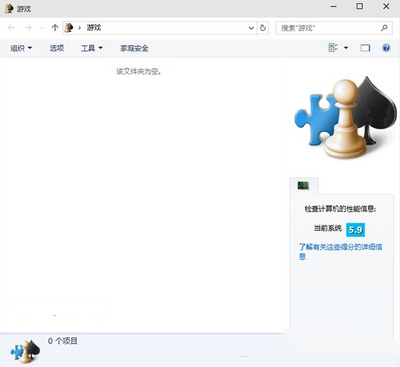
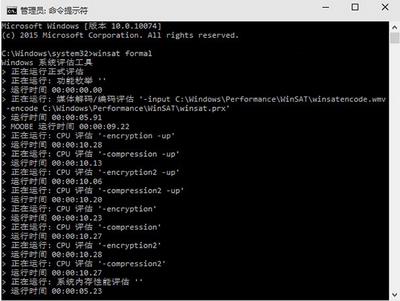
微軟宣稱不回歸體驗指數,但功能仍內建只是隱藏深處。喚醒方式:
shell:Games
winsat formal
操作繁瑣,顯示微軟不希望一般用戶使用,第三方工具同樣能完成評分。
Windows 10 RTM 正式版確定 7 月發布,7 月 22 日簽署完成
Win7 旗艦版設定開機登入密碼:控制台→用戶帳戶→建立密碼三步驟保護隱私
Win10 TH2 累積更新 KB3116908 安裝教學與失敗排除
安裝 Win10 後電腦被劫持?假冒微軟免費升級郵件藏勒索病毒
Win10 家庭版升級專業版完整教學:官方付費升級與免費替代方案
Windows 7 桌面小工具完整介紹:CPU、行事曆、時鐘、天氣、拼圖、新聞...
Windows 10 通用應用商店預覽版曝光:整合多平台的關鍵一步
Win10手機版Build 10070諜照:動態磚縮小間距、Word Preview磚現身通用Office將推出