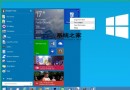
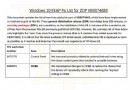
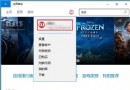
Win10 預設開啟「主資料夾」而非傳統「程式庫」。程式庫不佔空間,僅監視包含的資料夾,刪除程式庫不影響原始檔案。若習慣使用程式庫管理文件、音樂、圖片、影片,可透過登錄檔將其加回主資料夾。
regedit)。HKEY_LOCAL_MACHINE\SOFTWARE\Microsoft\Windows\CurrentVersion\Explorer\HomeFolder\NameSpace\DelegateFolders{031E4825-7B94-4dc3-B131-E946B44C8DD5}HKEY_LOCAL_MACHINE\SOFTWARE\Wow6432Node\Microsoft\Windows\CurrentVersion\Explorer\HomeFolder\NameSpace\DelegateFolders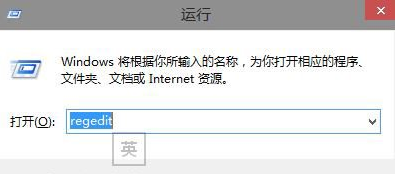
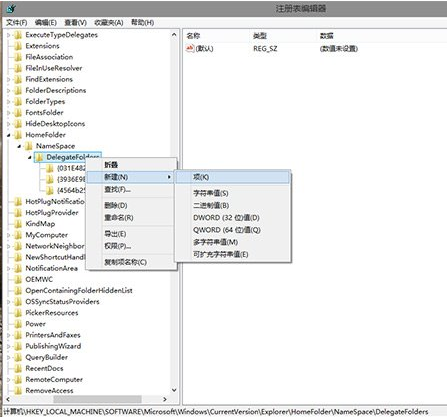
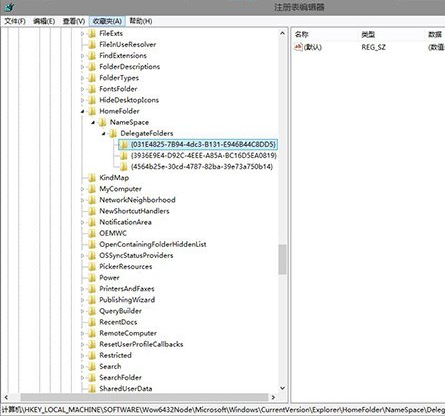
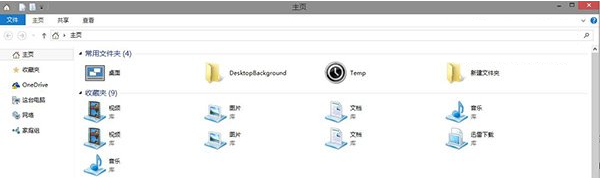
之後可右鍵程式庫 → 「內容」管理包含的資料夾,恢復熟悉的檔案管理習慣。
Win8 刪除 HomeGroupUser$ 帳號:離開家庭群組即自動移除 (非真實使用者帳號)
WinXP 無法開啟控制台?群組原則「禁止存取控制台」啟用所致,兩種解法(gpedit.msc / CMD 重註冊)
Win10 程式回應緩慢?修改登錄檔 WaitToKillAppTimeout 縮短等待時間
Win10 RS1 14267 SDK 版本發布下載:僅供測試裝置,不適用生產環境
Win7 連 WiFi 訊號弱三大解決方案:調整路由器功率、位置、排除干擾
Windows 7 使用資源監視器監控硬碟讀寫活動:找出狂轉硬碟的程序