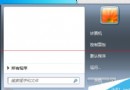
Windows 7 內建多種主題,並支援將個人化設定儲存為自訂主題或下載線上主題。操作如下:
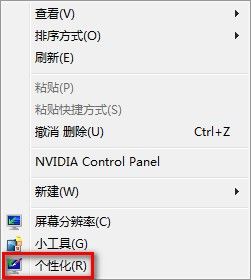
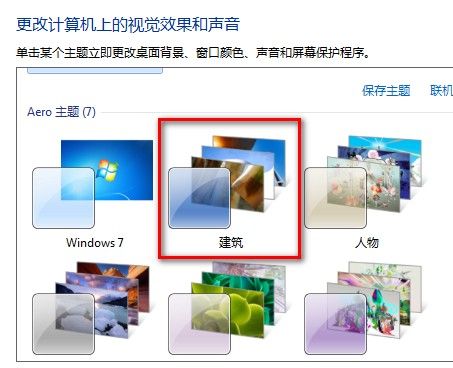
.theme 檔,或點選「線上取得更多主題」下載微軟官方釋出的精美主題包。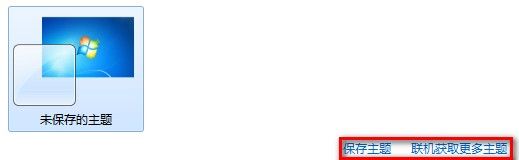
Win10 指紋登入設定完整教學:Windows Hello 生物辨識輕鬆解鎖
Win10 讓 QQ 永久以「系統管理員身分執行」:相容性設定一次搞定
IE11 彈出「管理增益集」提示框解決:重設瀏覽器或登錄檔修改臨時屏蔽
Win10 是否需要安裝 Intel RST (Rapid Storage Technology)?實測 SSD/RAID 效能差異分析
Windows 7 進階使用技巧 19 選:PC Safeguard、螢幕校準、AppLocker、ISO 燒錄、視窗靠邊、預覽面板、幻燈片桌面、多執行緒複製 Robocopy
Windows 8 輸入法切換鍵位調整:恢復類 Win7 體驗