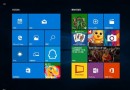
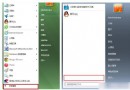
Windows 10 技術預覽版對舊版軟體相容性尚未完善,若應用程式無法啟動,可嘗試內建「相容模式」模擬舊版 Windows 環境運行。
設定步驟
- 右鍵應用程式執行檔(.exe)或捷徑 →「內容」。
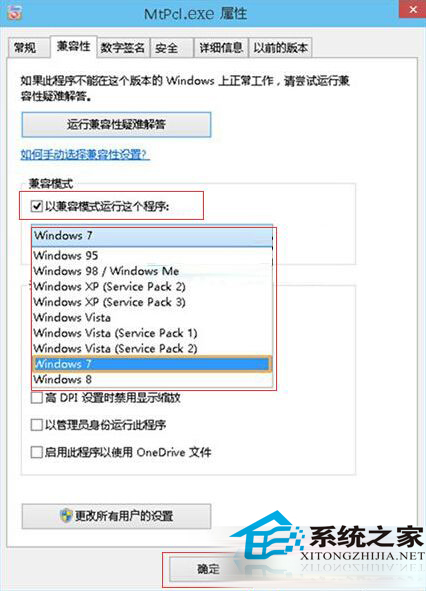
- 切換「相容性」頁籤 → 勾選「以相容模式執行這個程式」。
- 下拉選單選擇目標版本:
一般較新軟體選 Windows 7;
較舊軟體(XP 時代)選 Windows XP (Service Pack 3) 或更早版本。
- 建議同步勾選「以系統管理員身分執行此程式」。
- 確定套用,雙擊執行驗證。

適用情境與限制
- 適用:安裝程式檢查作業系統版本阻擋、舊版 API 呼叫差異、權限不足導致啟動失敗。
- 不適用:16 位元應用(Win10 64 位元不支援)、硬體驅動程式、深度依賴核心結構的安全軟體。
- 若相容模式無效,可嘗試「相容性疑難排解」精靈(同頁籤下方按鈕)自動檢測最佳設定。