Windows 8 捷徑預設帶有小箭頭標誌,可透過修改註冊表 Shell Icons 鍵值隱藏。本文提供批次檔(.bat)一鍵套用與還原腳本,免安裝第三方優化工具。
HideArrow.bat,以系統管理員身分執行)reg add "HKEY_LOCAL_MACHINE\SOFTWARE\Microsoft\Windows\CurrentVersion\Explorer\Shell Icons" /v 29 /d "%systemroot%\system32\imageres.dll,197" /t REG_SZ /f
taskkill /f /im explorer.exe
attrib -s -r -h "%userprofile%\AppData\Local\iconcache.db"
del "%userprofile%\AppData\Local\iconcache.db" /f /q
start explorer
RestoreArrow.bat,同樣以管理員執行)reg delete "HKEY_LOCAL_MACHINE\SOFTWARE\Microsoft\Windows\CurrentVersion\Explorer\Shell Icons" /v 29 /f
taskkill /f /im explorer.exe
attrib -s -r -h "%userprofile%\AppData\Local\iconcache.db"
del "%userprofile%\AppData\Local\iconcache.db" /f /q
start explorer
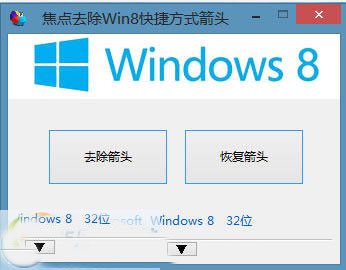
29 對應捷徑覆疊圖示索引,指向 imageres.dll 中第 197 號圖示(透明圖示),即可隱藏箭頭。iconcache.db 並重啟 Explorer 使變更即時生效。