Windows XP 任務列常因註冊表損壞導致寬度異常、位置錯位。與其手動調整,不如製作一個批次檔(.bat),雙擊即可自動重置相關註冊表鍵值並重啟 Explorer,瞬間恢復預設狀態。
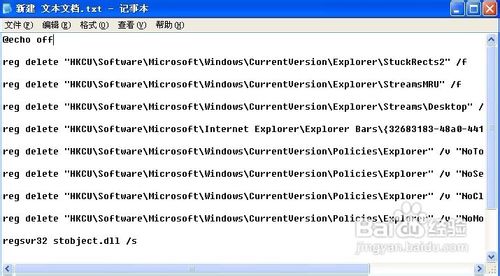
FixTaskbar.bat)@echo off
reg delete "HKCU\Software\Microsoft\Windows\CurrentVersion\Explorer\StuckRects2" /f
reg delete "HKCU\Software\Microsoft\Windows\CurrentVersion\Explorer\StreamsMRU" /f
reg delete "HKCU\Software\Microsoft\Windows\CurrentVersion\Explorer\Streams\Desktop" /f
reg delete "HKCU\Software\Microsoft\Internet Explorer\Explorer Bars\{32683183-48a0-441b-a342-7c2a440a9478}" /f
reg delete "HKCU\Software\Microsoft\Windows\CurrentVersion\Policies\Explorer" /v "NoToolbarsOnTaskbar" /f
reg delete "HKCU\Software\Microsoft\Windows\CurrentVersion\Policies\Explorer" /v "NoSetTaskbar" /f
reg delete "HKCU\Software\Microsoft\Windows\CurrentVersion\Policies\Explorer" /v "NoCloseDragDropBands" /f
reg delete "HKCU\Software\Microsoft\Windows\CurrentVersion\Policies\Explorer" /v "NoMovingBands" /f
regsvr32 stobject.dll /s
regsvr32 webcheck.dll /i /s
taskkill /f /im explorer.exe && explorer.exe
FixTaskbar.bat。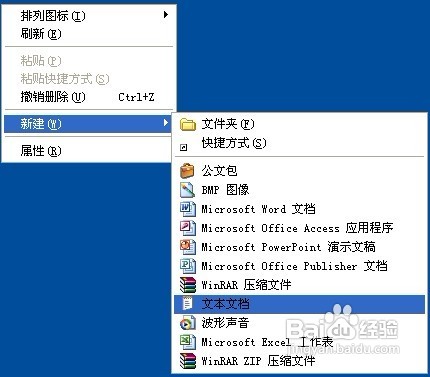
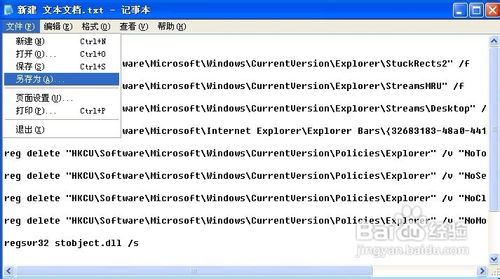
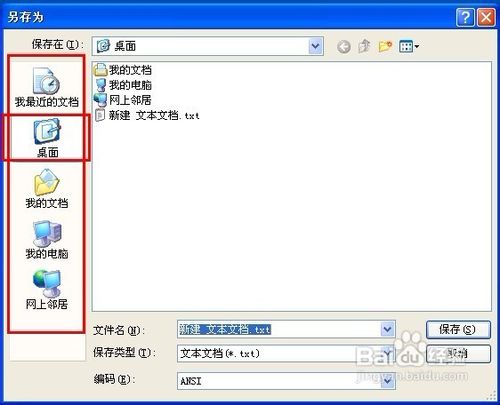
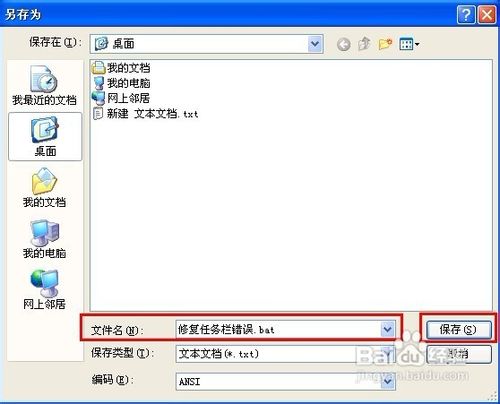

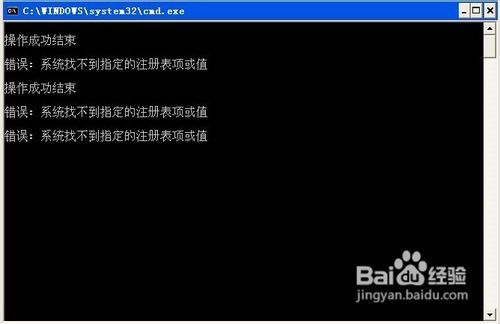
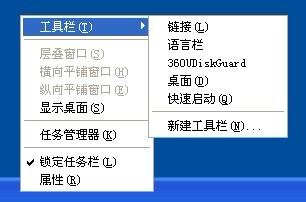
stobject.dll、webcheck.dll 修復 Shell 擴充元件。explorer.exe 套用變更。