Win7 系統安裝攝影機後,若無專屬調整軟體,可直接用 QQ 的「視訊設定」功能快速預覽與調整畫質、方向、亮度等參數。
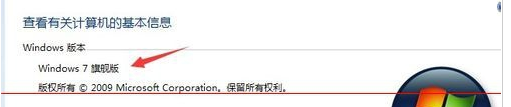
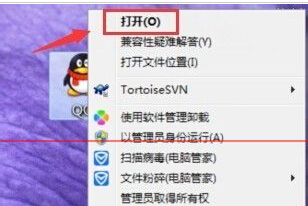


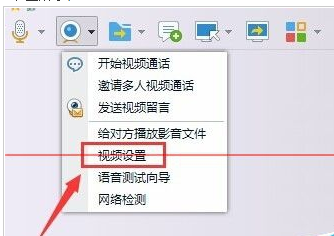
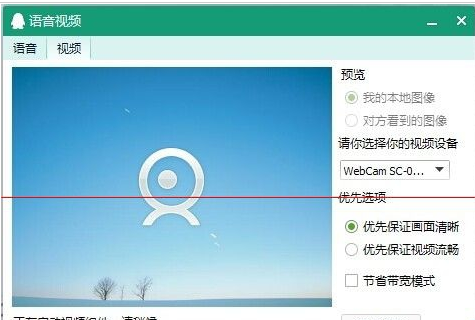
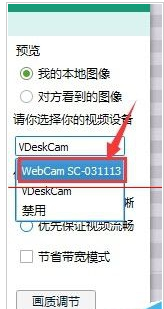
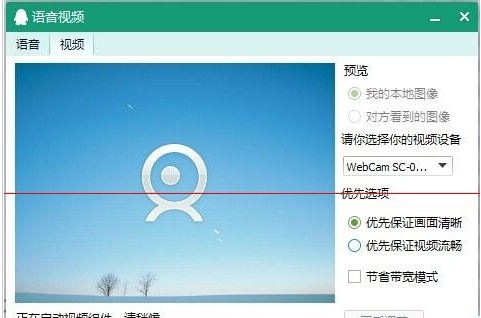
QQ 視訊設定介面直觀,不需安裝廠商驅動程式即可完成基本調校,非常方便。
Windows 10 Mobile 10512 再爆料:Android 子系統確認存在,可運行多看/貼吧 APK
Win7 exFAT 格式隨身碟無法寫入檔案?chkdsk 修復檔案系統教學
Win10 升級後 SQL 軟體開機報錯解決:360 安全衛士禁用 SQL 服務管理器啟動項
Windows Server 2003 卷影副本實現網絡共享檔案還原
Win10 週年更新 14393.5 更新內容完整彙總:7 項 Bug 修正與穩定度優化
Win10 安全中心服務無法啟動?一條 CMD 指令修復服務登入帳戶
Win10 開機慢怎麼辦?六大加速方案全面教學:快速啟動、啟動項/服務管理、磁碟整理、無 GUI 引導、BIOS 優化
Win10 Mobile 正式版推送藍寶 (BLU) 四款機型:Win HD W510u、Win HD LTE X150q/e、Win Jr LTE X130e (均 1GB RAM)