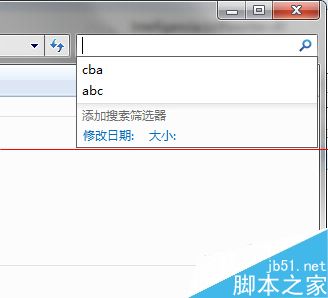
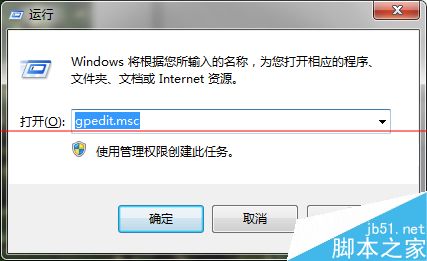
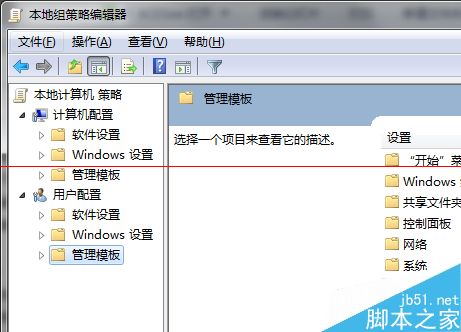
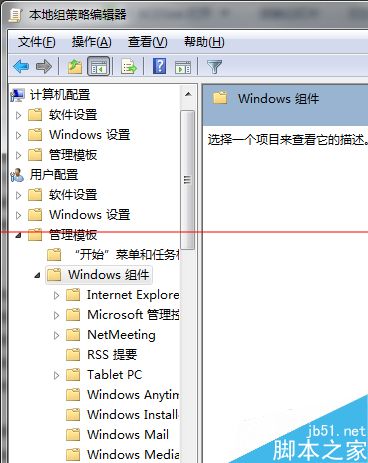
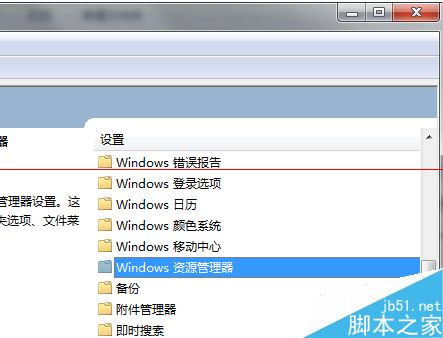
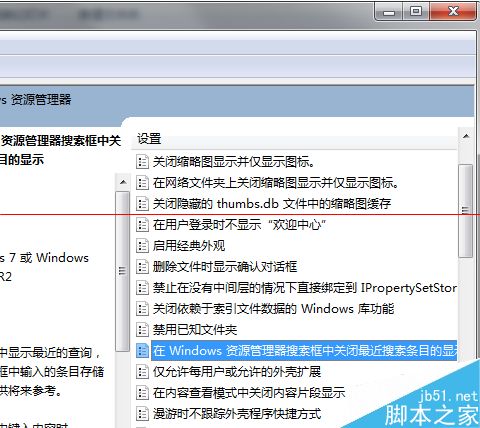
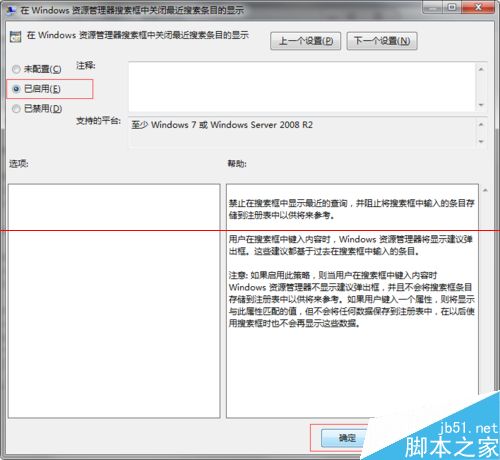
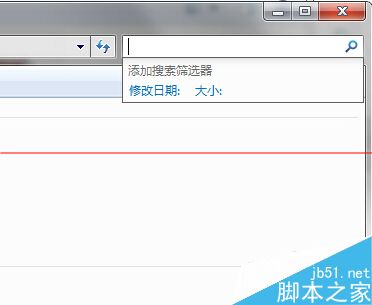
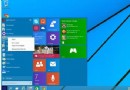
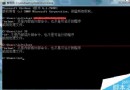
Win7 開始選單/資源管理員搜尋方塊會保留歷史記錄。透過群組原則關閉顯示:
gpedit.msc
設定即時生效,歷史記錄不再顯示 (但不會刪除既有記錄)。重新啟用後無法找回舊記錄。
Windows Server 2003 進階安全權限配置實戰:系統目錄 ACL 精細控制與服務硬化
Win7 系統圖片預覽無法顯示縮圖?啟用「顯示縮略圖」選項解決
Win10 新增 Emoji 表情符號總覽:首度收錄「豎中指」、6 種膚色、中性灰色、瓦肯禮手勢
Win10 升級後開機變慢?關閉「快速啟動」功能即可改善
WinXP 隱藏控制台防他人亂改:群組原則一鍵禁用
Windows 主程式 rundll32.exe 停止運作?四大解決方案(線上修復、替換檔案、修改 system.ini、關閉縮圖)
Win10 開始選單自訂完整教學:取消固定、加入常用、拖曳排版、調整磚塊大小
Win7 遠端桌面連線設定圖解:啟用遠端、防火牆例外一步到位