Windows 10 內建虛擬桌面功能,可建立多個獨立桌面環境。雖可點擊工作列「工作檢視」圖示切換,但使用快捷鍵 Win+Tab 更高效:按住組合鍵即可開啟工作檢視介面,滑鼠懸停預覽各桌面,點擊即時切換。
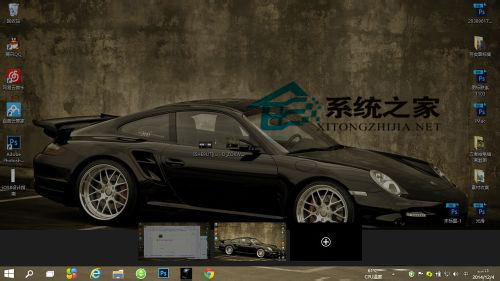
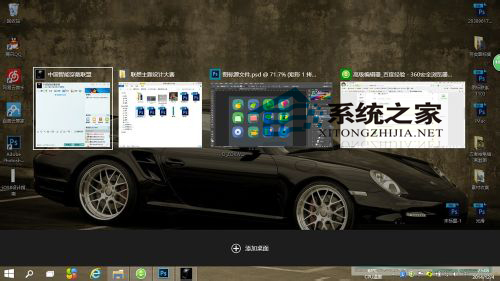
備註:Win 鍵即左側 Alt 旁的視窗鍵。更多虛擬桌面進階技巧請參考《Win10 預覽版虛擬桌面使用方法與技巧圖文介紹》。
Win10 版本升至 10586.112 累積更新 KB3140742 信息曝光
Intel RealSense 3D 攝像頭驅動 1.4.27 釋出:強化 Windows Hello 臉部辨識戶外表現
Windows 10 如何進入 TCP/IP 進階設定?圖解逐步操作路徑
Win7 找不到 NVIDIA 控制台?更新驅動、啟動服務、檢查啟動項三步驟找回
Win10 Mobile/PC 預覽版 14951:修復內容與已知問題完整彙整
Windows 10 筆電觸控板關不掉?裝置管理員停用 HID 相容觸控板、或觸控板專用軟體 (Synaptics/ELAN) 禁用