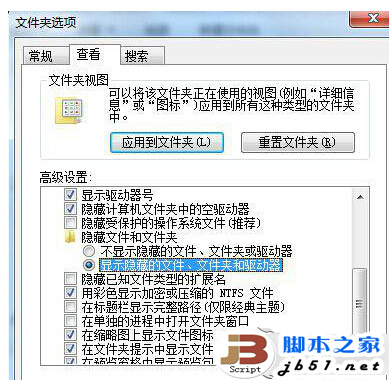
$Recycle.Bin,點擊內部的資源回收筒圖示即可查看刪除的檔案。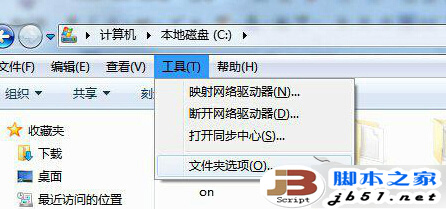
Win7 藍牙被停用怎麼辦?透過 msconfig 管理開機啟動項恢復藍牙服務
Win7 安裝 AutoCAD 2016 提示「安全系統無效」?啟用 FlexNet Licensing Service 64 服務解決
Windows 10 創作者更新 Build 14986 官方 ISO 鏡像發布:含家用/專業/教育/企業版,支援乾淨安裝
Windows XP 硬碟圖示變空白/文件圖示?刪除 autorun.inf 病毒或用 360/騰訊管家修復圖示異常
Windows 8.1 取消桌面圖示自動排列與對齊網格,自由擺放檔案與捷徑