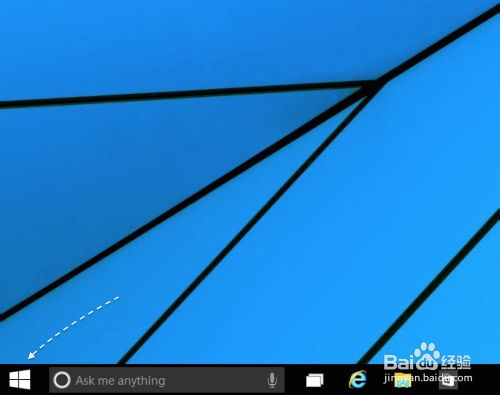
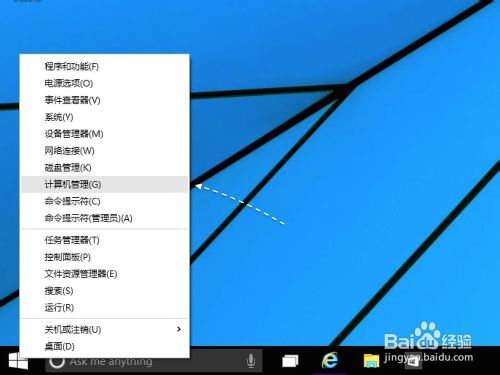
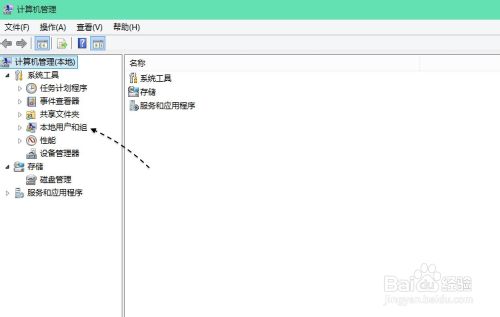
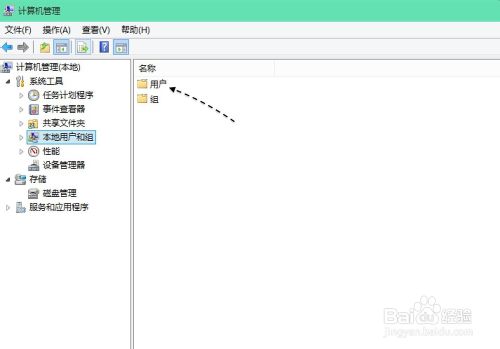
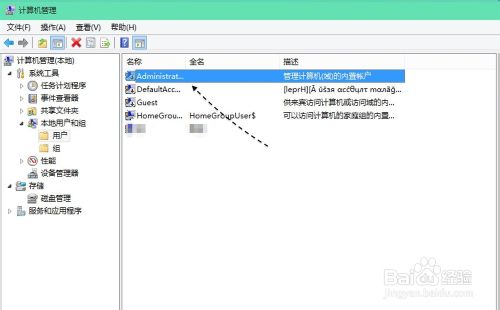
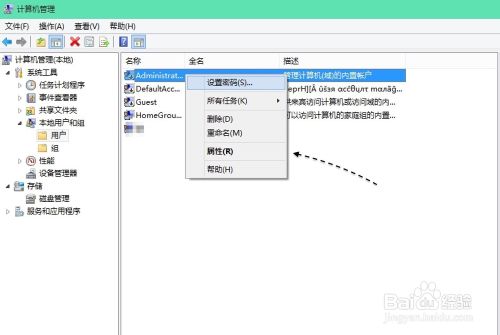
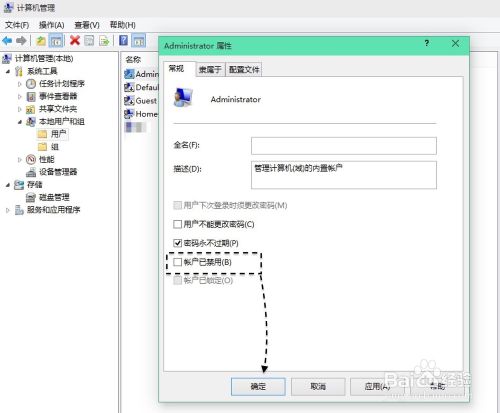
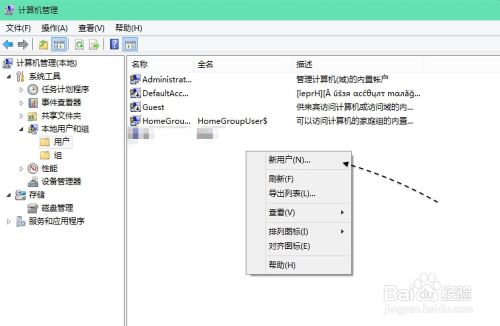
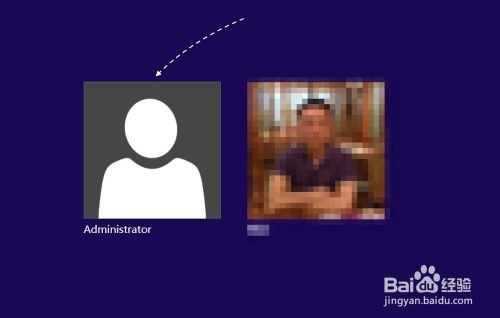
Win10 安裝強制綁定 Microsoft 帳號,密碼複雜且需聯網。新增本地帳號可像 Win7 一樣免密碼登入:
相關推薦:同前文資源連結。
WinXP 登錄檔如何初始化/重置?系統還原、專用清理工具、手動清理三大法
Windows 10 Mobile 週年更新正式版推送倒數:生產環境測試已展開
微软10月安全公告汇总:KB3097617等6项更新修复IE/Edge/Office/内核漏洞
Win10 更新聲卡驅動失敗錯誤 0x800705b4?調整裝置安裝逾時時間解決
Windows 8.1 取消桌面圖示自動排列與對齊網格,自由擺放檔案與捷徑
Windows 7 更新顯示卡驅動後黑屏?安全模式卸載驅動恢復教學
如何從品牌筆記本 BIOS 中讀取 Windows 產品金鑰:完整教學
Win7 旗艦版鍵盤 F1-F12 功能鍵完整圖解:從說明、重新命名到全螢幕、另存新檔