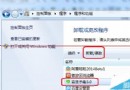
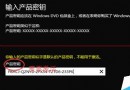
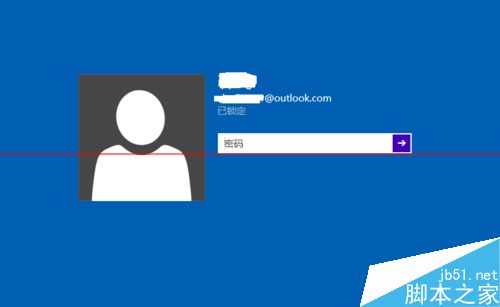
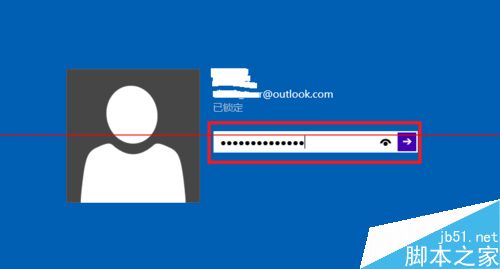
Win10 安裝預設使用 Microsoft 帳號登入,密碼複雜且需聯網。啟用內建 Administrator 可免密碼直登,方便維護:
- 以現有帳號登入系統。
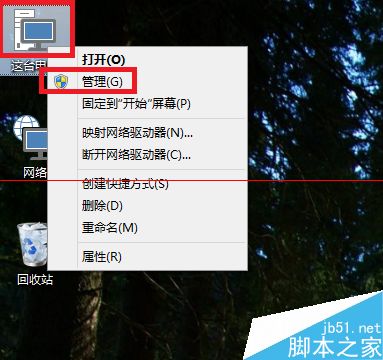
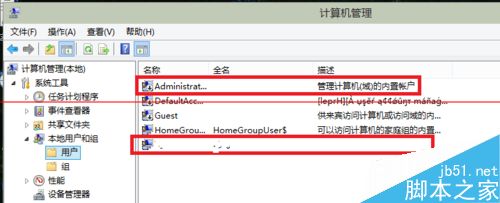
- 右鍵「這台電腦」→「管理」→「系統工具」→「本地使用者和群組」→「使用者」。
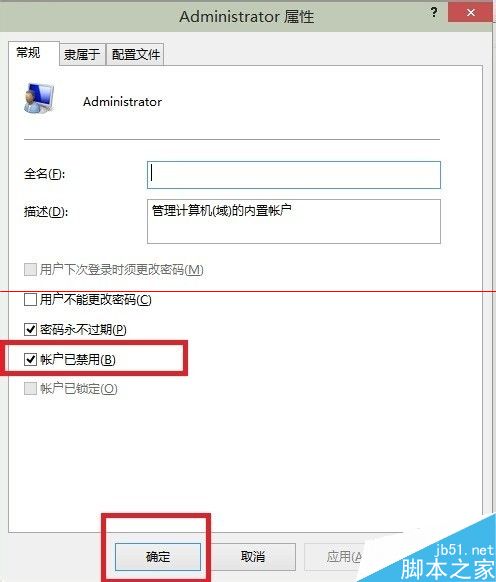
- 雙擊 Administrator,取消勾選「帳戶已停用」,按「確定」。
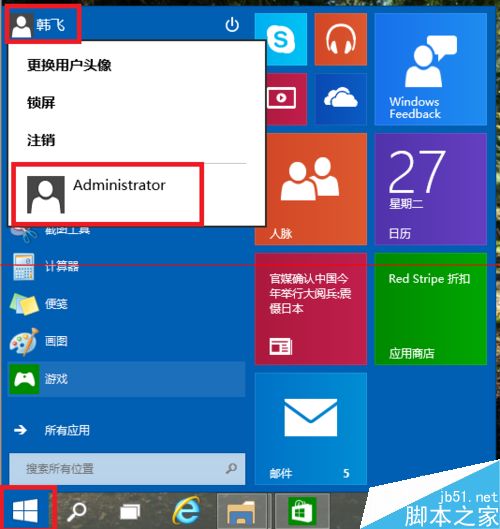
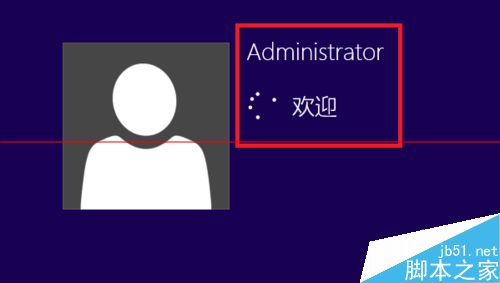
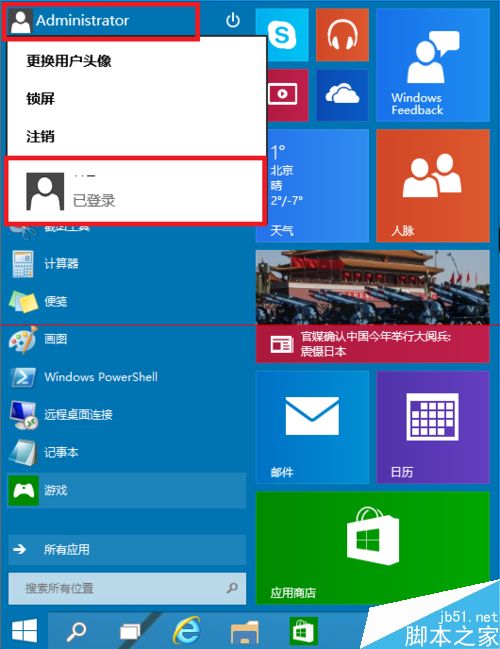
- 登出,登入畫面即出現 Administrator,點擊進入 (首次登入需等待初始化)。
- 若要新增本地帳號,同介面右鍵空白處 → 「新增使用者」即可。
注意:Win10 仍屬預覽版,建議安裝於虛擬機或備用機,避免主力機發生不可預期錯誤。
相關推薦:同前文資源連結。