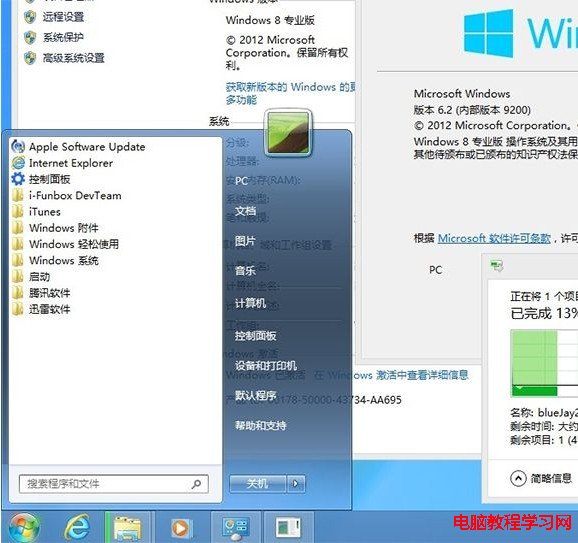
若您完全不需要 Windows 8 Modern 介面,可用 Patchex7.exe 將 Windows 7 的 explorer.exe 修補後替換 Windows 8 同檔,即可禁用 Modern 介面並恢復傳統開始功能表,保留 Ribbon 介面、檔案複製進度視窗等 Win 8 新特性。此為極端做法,僅建議堅持傳統桌面工作流的進階使用者嘗試。
操作步驟
- 下載 Patchex7.exe(文末提供下載連結)。
- 執行程式,自動修補 Windows 7 的 explorer.exe 並替換系統檔案。

- 選擇 7(禁用 Metro、找回開始功能表) → 確認登出與清除快取兩次提示。


- 重新登入後,Modern 介面消失,傳統開始功能表回歸。
- 若需恢復預設:再次執行 Patchex7.exe → 選擇 8(恢復預設桌面)。
下載連結
 (2.64 MB)
風險提醒
- 修補系統核心檔案
explorer.exe 具風險,可能導致系統不穩定、更新失敗、安全性降低。
- 執行前請建立系統還原點或完整備份。
- Windows Update 可能覆蓋修補檔案導致功能失效。
- 不建議企業環境或生產電腦使用。