Win7 無法執行 Photoshop CS3 的解決方法:
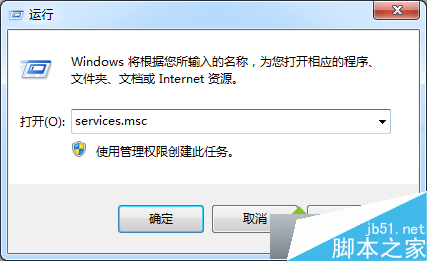
services.msc
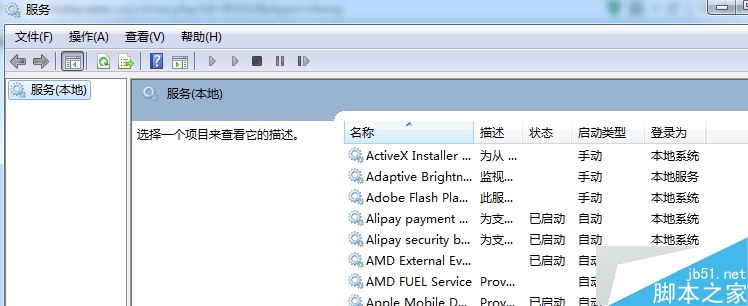
CS3 授權機制依賴此服務,預設為手動或停用導致啟動失敗,設為自動啟動即可正常執行。
Win10 開始選單磚塊背景顏色與圖示自訂教學:XML + 快取清除實作
Windows 7 安裝時避免產生 100MB 系統保留分區
Win10 新觸控板手勢功能評測:三指手勢操作任務檢視/桌面/切換應用
Windows 7 設定不待機/不睡眠:電源選項完整配置
Win10 預覽版無法切換 Microsoft 帳戶?原因是預設 Administrator 帳號限制
Windows 桌面圖示不見了?三種情況分類解決 (Win8.1 示範)
Win8.1 安裝 WebAccess 7.2 遭遇 IIS 應用程式集區寫入權限錯誤:將 DefaultAppPool 改為 .NET 2.0 模式
Windows 7 忘記開機密碼?兩大破解法:安全模式命令列 / USB 開機重設