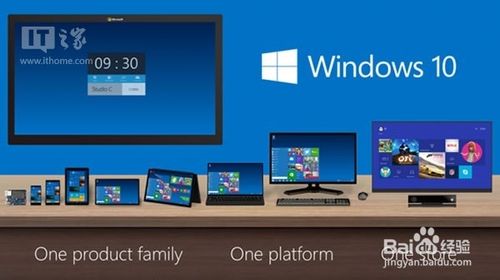
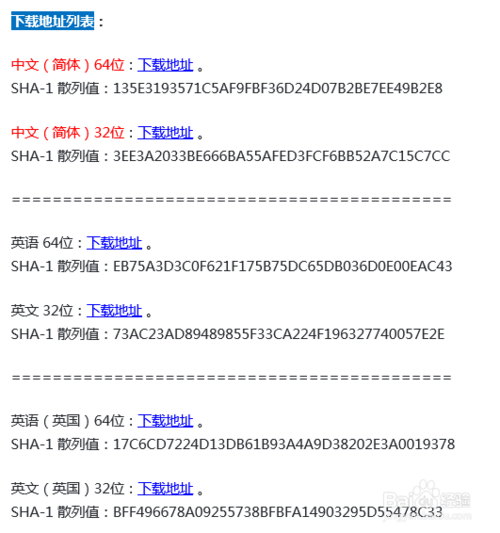
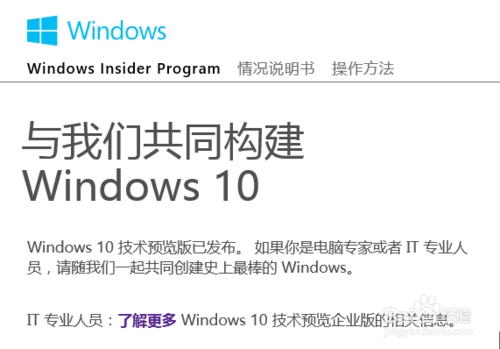
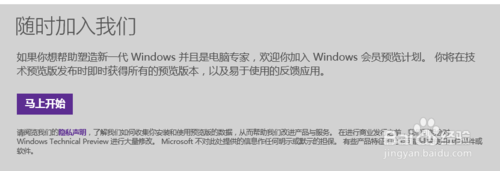
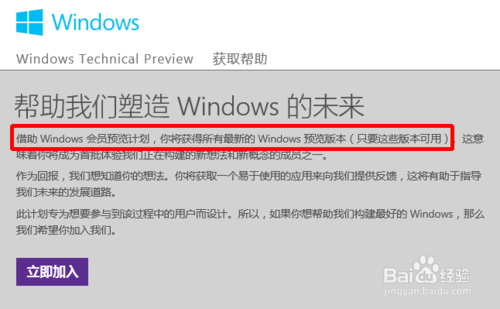
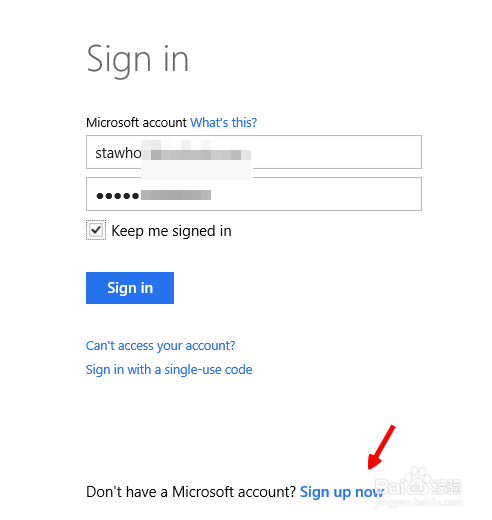
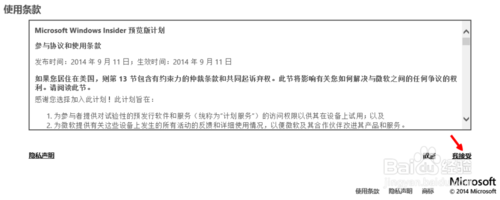
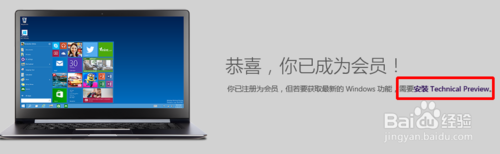
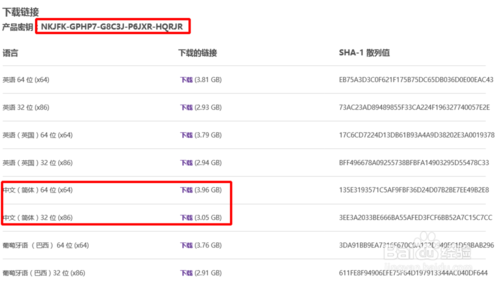
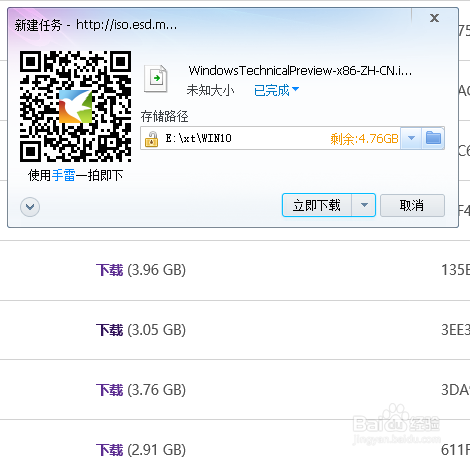
微軟於 2014/10/02 開放 Win10 技術預覽版下載,需先加入 Windows Insider 計畫。下載流程:
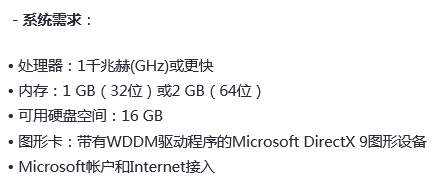
系統需求:1 GHz 處理器、1 GB (32 位元) / 2 GB (64 位元) 記憶體、16 GB (32 位元) / 20 GB (64 位元) 硬碟空間、DirectX 9 顯示裝置。
官方下載鏡像亦整理於 百度網盤 供替代下載。
Windows 10 深色主題炫酷登場,Edge 瀏覽器夜間模式超性感
Win8 系統 USB 隨身碟無法格式化?原因分析與三大解決方案
Windows 10 重置失敗頻發?OneKey Ghost 一鍵備份還原輕鬆破解重裝難題
如何預約Win10免費升級?騰訊電腦管家預約教學與官方ISO下載
Windows 10 檔案總管「主頁」洩露隱私?透過登錄清空常用資料夾、最近檔案、收藏夾紀錄
Windows 8 修改系統日期與時間的完整圖解
Win10 關閉系統動畫特效,讓老舊電腦流暢運行
Windows Server 2003 如何刪除網域控制站?降級退出網域圖文教程