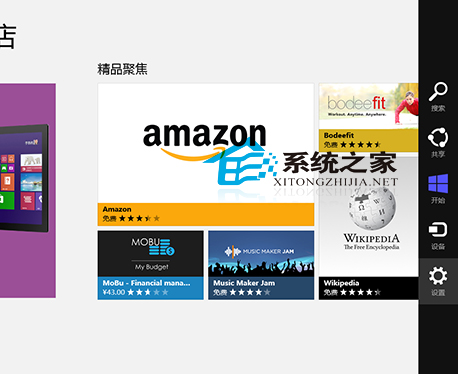
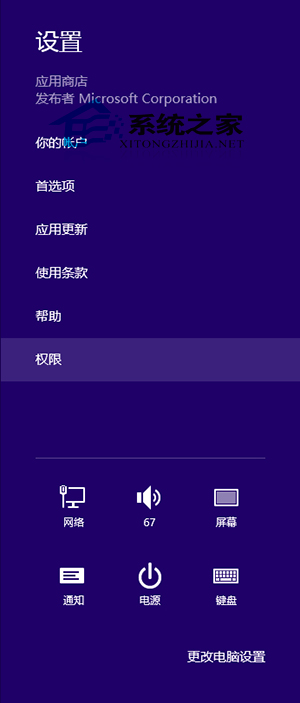
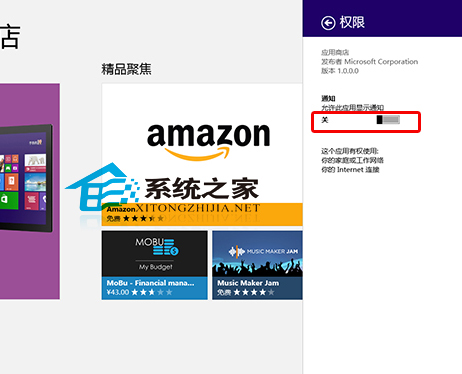
Win8 應用程式商店預設會推送更新通知,若不常使用商店,可關閉其通知權限。
設定後商店不再干擾,若需更新應用可手動開啟商店檢查。
Windows 10 關閉 Windows Ink 功能完整教學
Win10 Build 10158 釋出:99% 接近正式版、功能架構凍結、專注穩定性與 UI 打磨
Win10 如何開啟 Windows Defender 掃毒?內建防毒零安裝、低資源佔用、高相容性,配置吃緊用戶首選
Win8 如何設定擴充顯示?Win+P 快速切換投影模式教學
Win10 找不到便利貼?其實只是改名為 Sticky Notes 了
誤刪 $Windows.~BT 資料夾導致升級卡住?任務管理員重啟 wudfsvc 服務恢復下載
XP 系統關閉顯示卡硬體加速完整圖文教學
升級 Windows 7 前必做:使用升級顧問檢測硬體相容性