iCloud 原生僅支援 Vista 以上版本,但透過修改安裝檔可在 WinXP 上強制安裝。步驟如下:
iCloud.msi,64 位元用 iCloud64.msi,右鍵選「用 Orca 編輯」。VersionNT >= 600 這一列,右鍵「剪下列」,確認警告後存檔。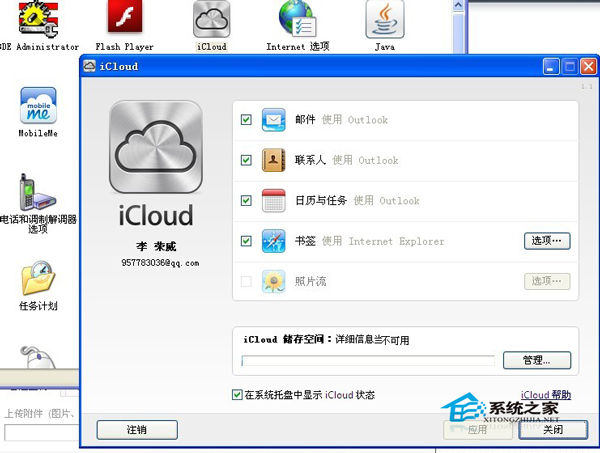
※ 修改 MSI 核心在於移除版本檢查限制,操作前請備份原始檔案。
Build 2015 現場發布:Win10 Build 10074 官方 ISO 開放下載 (含產品金鑰)
Win10 設定桌面背景圖片:個人化設定中瀏覽選擇、一鍵套用
SkyDriveSetup.exe 非有效 Win32 應用程式:XP/Server 2003 不支援,或安裝檔損壞
Windows 10 Mobile Build 10051 已知問題彙總
Windows 10 Build 9860 安裝後無聲音解決方案:驅動程式不相容三大修復法 (移除/更新/官網下載)
Win8 安裝 .NET Framework 4.6 失敗?直接啟用 Windows 功能即可