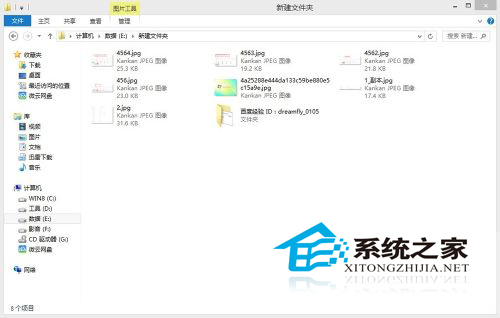
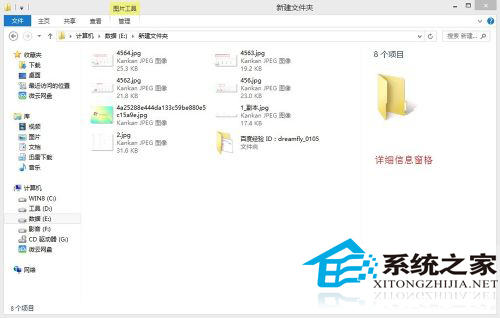
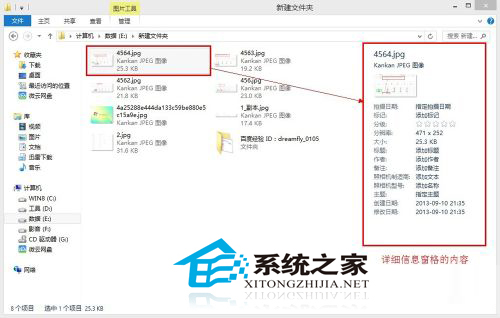
Win8 檔案總管提供「詳細資訊窗格」功能,可在右側即時顯示所選檔案/資料夾的建立日期、類型、大小等屬性,無需開啟「內容」視窗。
傳統作法(右鍵→內容)仍可使用,但詳細資訊窗格更直觀高效。
盜版系統升級 Win10 後 LOL 無法遊玩?游戲補丁與 DX9c 修復教學
Win10 引入雙因素身分驗證:手機/PIN/生物識別作為第二重認證,有效防禦釣魚攻擊與資料庫外洩
Win10 電源選項找不到「休眠」?啟用隱藏的休眠選項加入開始功能表電源選單
Win10 一直顯示「正在鎖定」轉圈圈?關閉睡眠/平板模式/系統保護排查
Win7 找回桌面圖示:個人化「變更桌面圖示」勾選電腦/網路/回收站
Win10 輸入法設定在哪裡?三條路徑通往「語言選項」自訂預設輸入法
Win7 IE9 看影片有聲無畫面?關閉 GPU 硬體加速即可修復
如何將 Win10 ISO 寫入 USB 製作開機安裝盤?UltraISO 圖文教學