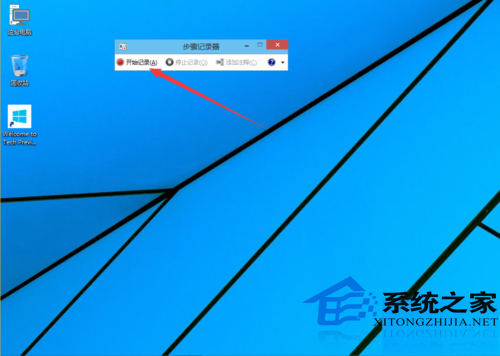
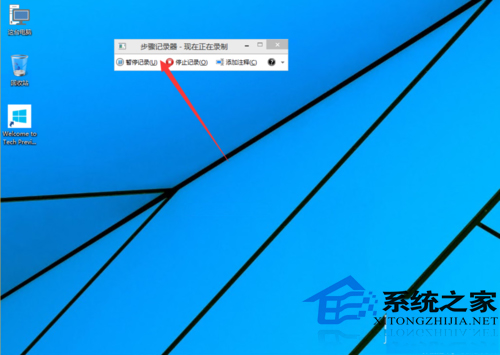
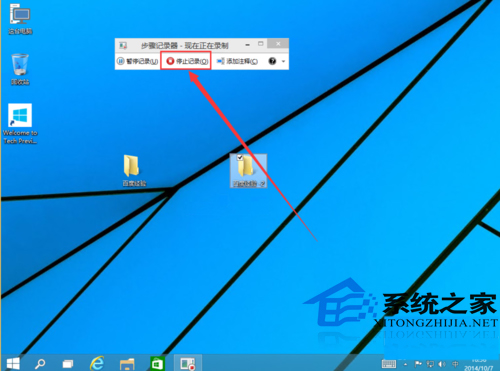
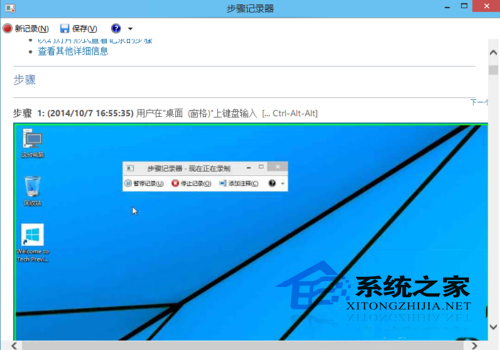
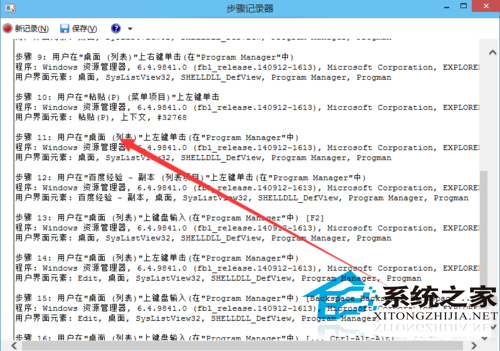
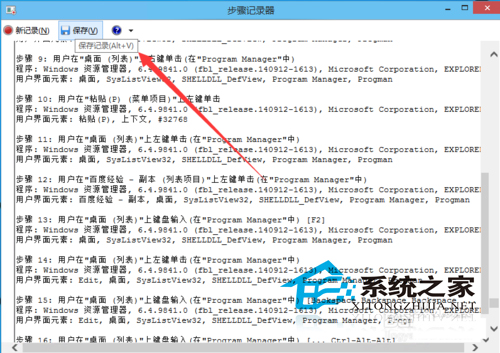
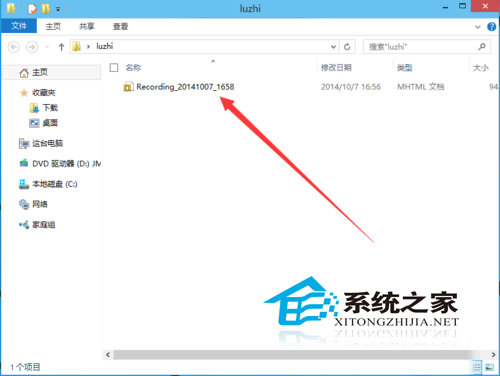
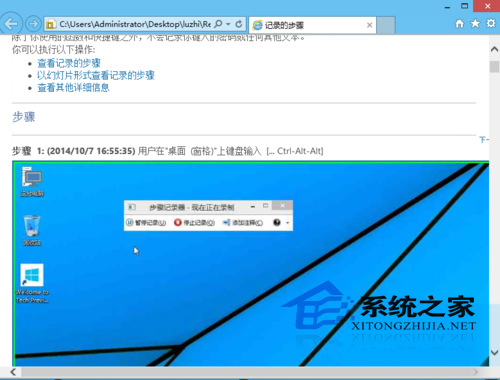
Win10 內建「步驟記錄器」(Problem Steps Recorder),能自動捕捉使用者操作步驟、點擊文字描述與每步驟螢幕截圖,並輸出為 HTML 檔案,極適合製作教學文件或遠端協助記錄問題重現步驟。
操作流程:
.zip
.mht
.html
此功能為電腦操作人員、技術支援、教學內容創作者的利器。
Win8.1 退出家庭群組完整教學:五步移除共享與桌面圖示
Windows 10 全新 Spartan 瀏覽器細節曝光:支援 ASM.js、WebRTC、動態 JPEG 等新技術
Windows 7 桌面捷徑每周一自動消失?關閉系統維護排程即可解決
Win10 PotPlayer 不斷彈出自動更新提示?防火牆出站規則封鎖聯網一勞永逸
Win10 地圖應用結合 Windows Ink 墨跡規劃路線:手繪起訖點自動生成導航
Win8/8.1 經常藍屏錯誤碼 0x00000109 完整排查與解決方案
Windows 10 快速啟動怎麼開啟?詳細圖文教學
Windows 7 使用 DOS 指令查詢系統安裝日期:systeminfo 單行指令秒出結果