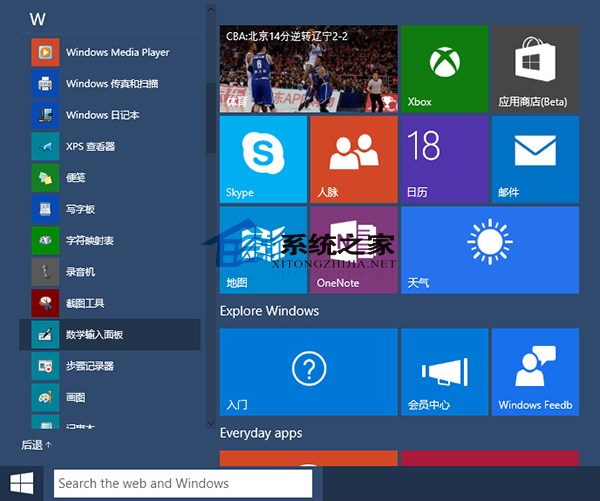
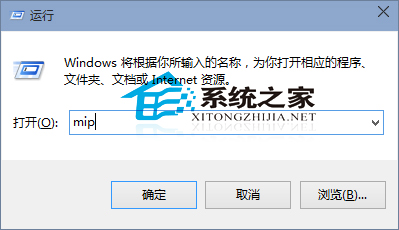
數學老師詢問 Win10 如何快速輸入公式,內建「數學輸入面板」即可實現,無需第三方工具。
mip
指導他人使用系統時,「步驟記錄器」也是實用工具,可輕鬆建立操作教學文件。
Win10 C 槽空間不足?6 招輕鬆釋放硬碟空間
Win10 升级后卡顿想重装?内置“重置此电脑”功能保留文件/全盘清理两种模式
Win10 設定開機預設開啟數字小鍵盤:修改註冊表 InitialKeyboardIndicators=2
Win7 開啟 IE 提示「堆疊溢位」八大解決方案
修復 Win8.1 KB2919355 更新卡在 99%:DISM 修復系統元件、乾淨啟動排除第三方干擾
Win10清空回收站后如何恢复文件?注册表重建回收站命名空间找回数据
Win7/8.1/10 命令列設定靜態 IP 完整教學:netsh 指令一鍵搞定
Windows 7 顯示器色彩校正嚮導完整教學:Gamma、亮度、對比、色彩平衡逐步調整