微軟向 Fast Ring 用戶推送 Build 10041,含透明開始選單、Task View 調整、UI 圓潤化等特性,Spartan 瀏覽器缺席。本文說明官方下載與更新設定。
線上更新步驟
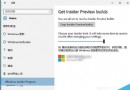
- 加入 Windows Insider 內測計畫。
- 進入「設定」→「更新與安全性」→「進階選項」。
- 將「預覽版本安裝方式」設為「快速」。
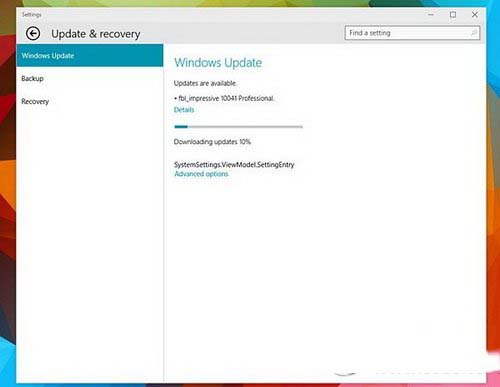
- 在 Metro 版設定的「Windows Update」中檢查更新並下載安裝。

重要說明
- 慢速通道用戶需等待數週後獲得更新。
- 官方尚未釋出 10041 ISO 鏡像,10036 用戶無法線上更新,需等待 ISO 釋出。
- 10041 包含洩露版 10036 所有特性。
相關資源
- Win10 10041 官方鏡像下載 (待釋出)
- Win10 10036 官網下載