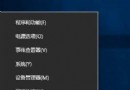
程式當機被工作管理員強制結束後,Windows 預設彈出「錯誤報告」對話框詢問是否傳送,干擾工作流且易嚇壞初學者。透過停用 Error Reporting Service 徹底禁用此機制。
services.msc → 找到 Error Reporting Service → 雙擊。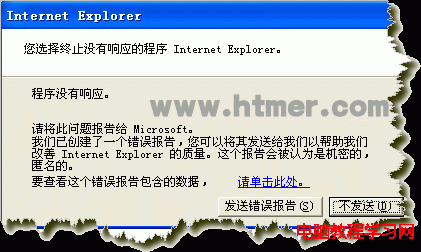
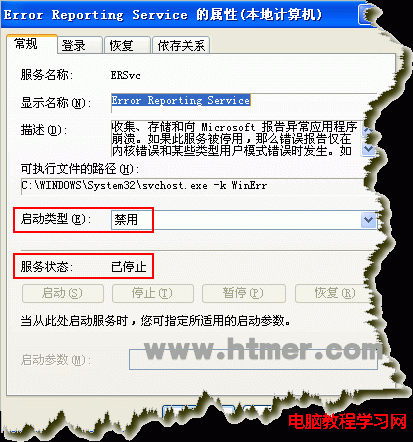
WerSvc / Windows Error Reporting Service)。Win7 硬刷 BIOS 內建 SLIC 2.1 實現 OEM 永久啟用教學
Win7 USB 裝置辨識緩慢?關閉 Windows Update 驅動搜尋加速列舉
Windows 7 反覆彈出「COM Surrogate 已停止運作」錯誤?DEP 設定排除 dllhost.exe 解決
Windows 8 運行大型軟體提示虛擬記憶體不足?原因分析與設定指引
Win7 如何修復 LSP?兩大方法:命令提示字元重置 Winsock 或 第三方安全軟體一鍵修復
Win10 Mobile/PC 預覽版 14388 推送:大量修復、無新功能、已知問題彙整