Windows 7 開機進入桌面後彈出「找不到 iertutil.dll」,主因是Internet Explorer 被解除安裝導致系統檔案遺失。修復方式為從系統備份目錄 C:\Windows\System32\dllcache 複製該檔案回 System32 目錄。
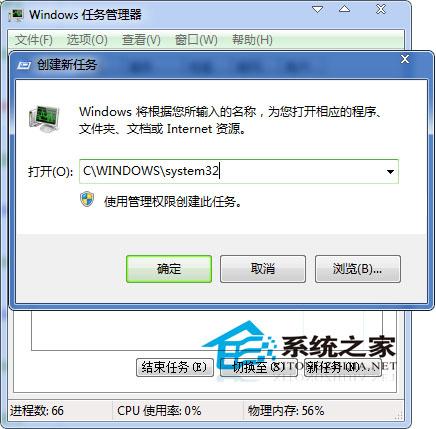
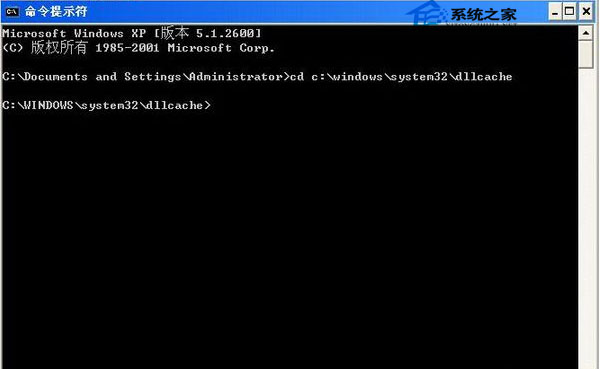
C:\Windows\System32 開啟目錄。cmd.exe 開啟命令提示字元。cd C:\Windows\System32\dllcachecopy iertutil.dll C:\Windows\System32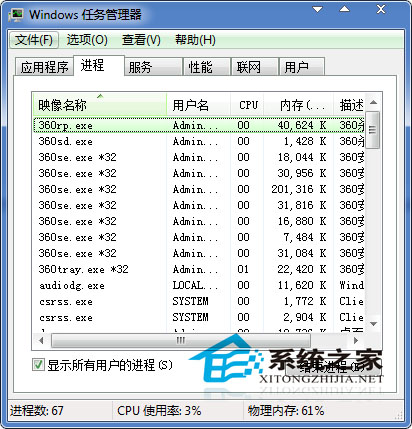
延伸:若系統檔案遺失導致無法開機,需進入「故障修復控制台」透過安裝媒體重新複製檔案。以上方法適用於能正常進入桌面的情況。